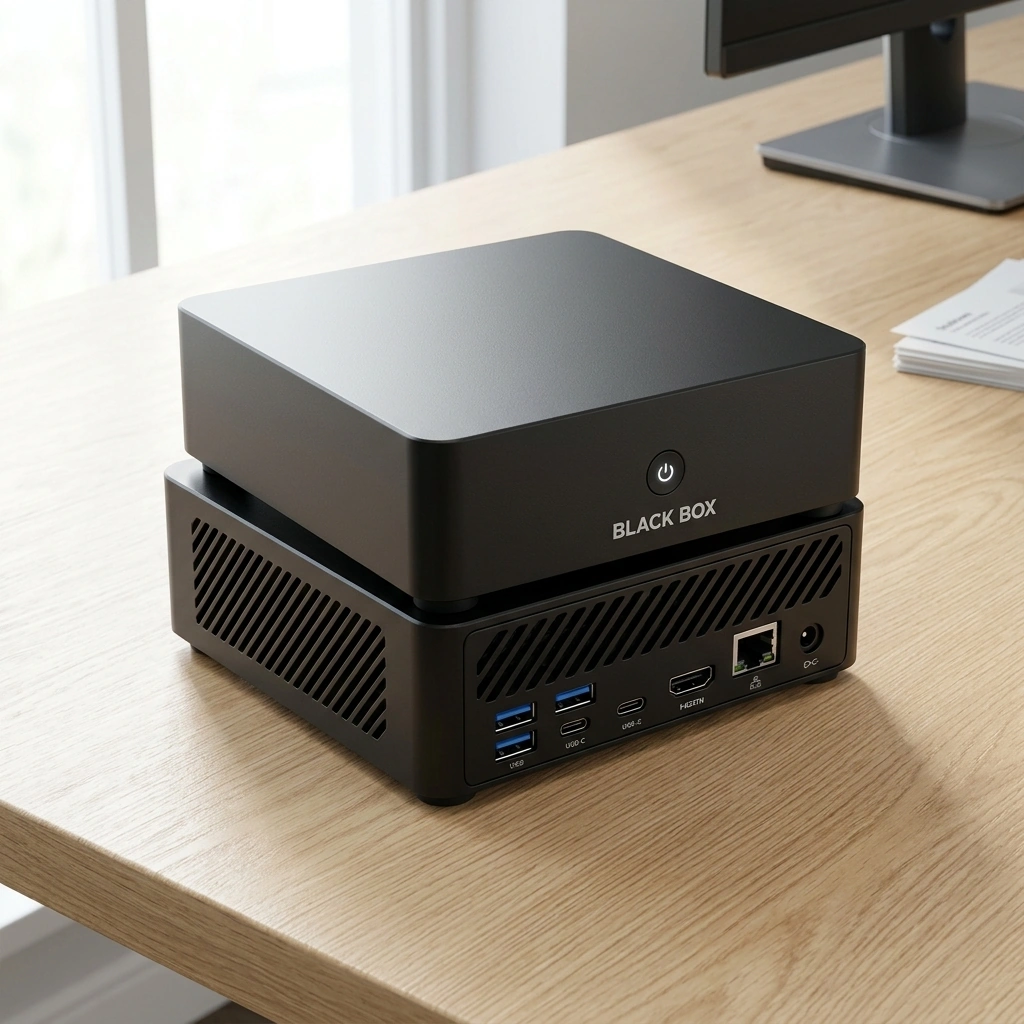
Yes, a private ChatGPT alternative that runs entirely on your own hardware exists. Black Box is a compact personal AI appliance designed to process supported tasks locally, keeping your data on the device. This guide covers how offline-first interfaces work, the hardware requirements for local models, and how to evaluate privacy controls in 2026.
Offline-First Interfaces
Offline-first interfaces are software environments designed to function without a constant internet connection. In the context of local AI, this means the core inference engine and user interface operate on the local machine. Black Box utilizes Overwatch OS, a pre-configured operating system that brings AI models and tools together in a ready-to-use state. This approach eliminates the dependency on external servers for basic text generation and document analysis.
The Role of Local Inference
Local inference is the process of running AI models on the device where the data resides. By keeping the model weights and the input data on the same hardware, the system avoids transmitting sensitive information to third-party data centers. For users handling confidential documents, this architecture provides a layer of separation from cloud-based services. The interface remains responsive because the processing power is dedicated to the local task. For additional details, review the .
Workflow Integration
Integrating local AI into a daily workflow requires a user interface that feels familiar. Black Box is engineered to allow users to bring their existing documents and local AI tools into a single private desktop device. The system supports continuous local agent execution, allowing for automated tasks that run in the background without requiring a network handshake. This ensures that productivity tools remain available even in environments with restricted or unstable internet connectivity. For additional details, review the Customer Experience.
Hardware Requirements for Local AI
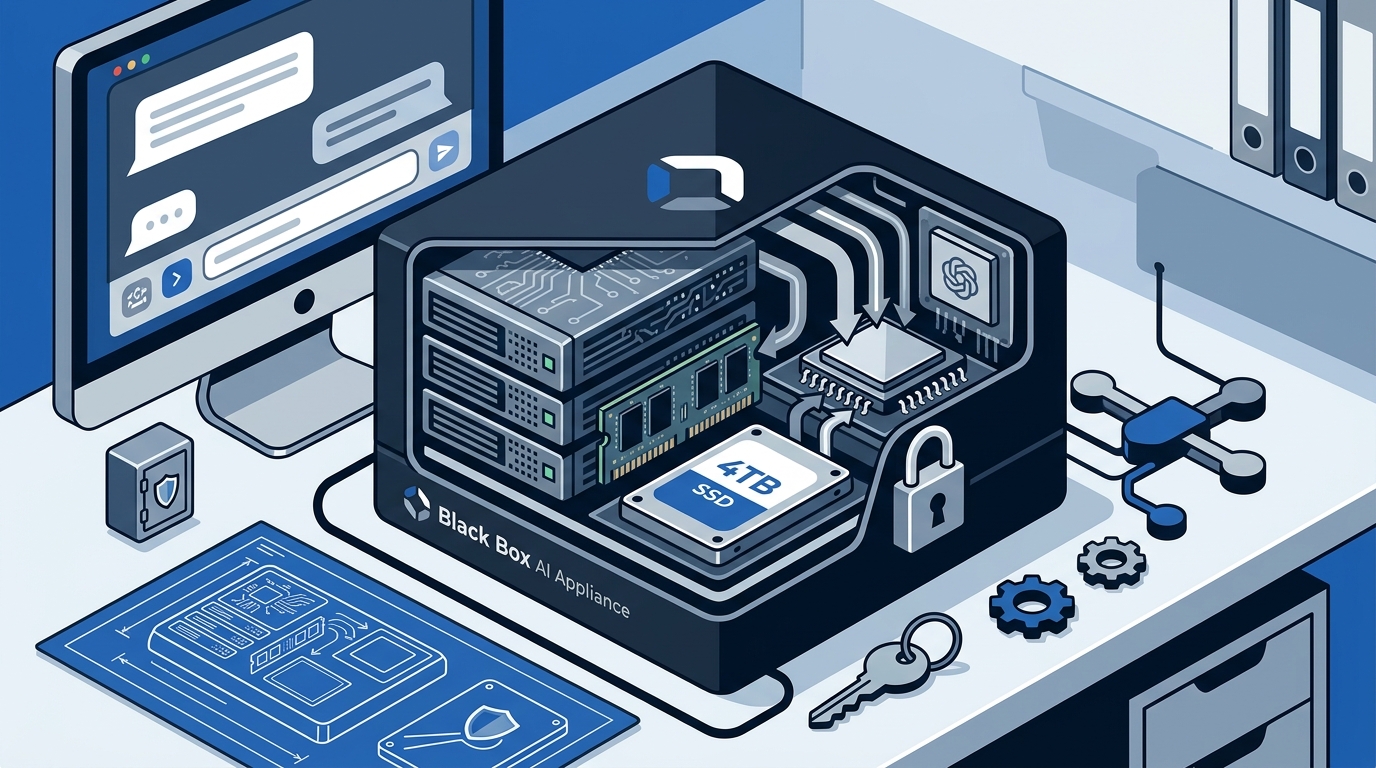
Running large language models locally demands specific hardware capabilities. The primary bottleneck is usually memory bandwidth and capacity. A dedicated AI appliance like Black Box addresses this by including 64 GB of replaceable RAM and a 4 TB internal NVMe SSD. These specifications are chosen to accommodate larger model sizes and extensive document libraries without relying on slower storage media for active model weights. For additional details, review the Frequently Asked Questions.
Processor and Graphics
The Black Box features an AMD Ryzen AI 9 HX 370 processor with integrated Radeon 890M graphics. This combination is optimized for AI workloads, providing the necessary compute density for inference tasks. The integrated graphics unit handles parallel processing efficiently, which is critical for the matrix operations involved in language model generation. Users do not need to assemble a custom PC or manage complex driver configurations to achieve this performance.
Storage and Expansion
Storage capacity is vital for storing both the AI models and the user's data. The 4 TB NVMe SSD provides fast read and write speeds, ensuring that model loading times are minimized. Additionally, the device includes 4 drive bays, allowing for hardware expansion. This expandability is a significant advantage over many cloud services, which offer zero access to underlying storage hardware. Users can add additional drives to store archives or larger model variants as their needs evolve.
Privacy Controls and Data Ownership
Privacy in local AI systems is defined by the owner's ability to control data flow. Black Box processes supported tasks and documents locally by default. Outside services are optional and require explicit permission from the user. This design philosophy ensures that data privacy is maintained through local processing, with owner-controlled permissions governing any external interactions.
Memory and Session Management
Users retain total control over the system's memory. You can inspect, edit, export, or delete saved memories at any time. The system allows you to turn memory off or start a private session whenever you choose. This level of transparency contrasts with cloud services, which often use opaque logging methods. By owning the hardware, you own the data stored on it, including the context used by the AI agents.
Zero-Cloud Operation
Cloud vs. Local AI Comparison
Understanding the differences between cloud-based AI services and local appliances helps in making an informed decision. The table below summarizes the key operational and financial differences.
| Feature | Black Box (Local) | Cloud AI Services |
|---|---|---|
| Data Privacy | 100% Local | Cloud Stored |
| Monthly Fees | $0 Forever | Recurring Subscriptions |
| Hardware Expansion | 4 Drive Bays | Zero Access |
| Memory Ownership | Full Control | Opaque Logging |
Key Takeaways
- Black Box is a compact personal AI appliance that runs entirely on local hardware.
- The device features 64 GB of RAM and a 4 TB SSD, suitable for large local models.
- Overwatch OS is pre-configured to provide a ready-to-use AI environment.
- Users have full control over memory, allowing them to inspect or delete saved data.
- Local processing eliminates recurring subscription fees for core AI tasks.
- The system supports hardware expansion with 4 drive bays for future needs.
- Privacy is maintained through local processing by default, with optional cloud services.
Frequently Asked Questions
Does Black Box require an internet connection to function?
No, the core AI functions run locally. You can use the device for document analysis and text generation without an internet connection. Optional cloud services require a connection but are not mandatory for basic use.
What is the difference between local and cloud AI?
Local AI runs on your own hardware, keeping data on the device. Cloud AI runs on remote servers, requiring data transmission to external data centers. Local AI offers more control over data privacy and ownership.
Can I expand the storage on Black Box?
Yes, the device includes 4 drive bays. You can add additional storage drives to expand capacity for models and documents. This allows for future-proofing your setup as your data needs grow.
Is my data sent to the cloud?
By default, no. Supported tasks and documents are processed locally. Outside services are optional and require your permission. You can choose to keep all processing on the device.
What is Overwatch OS?
Overwatch OS is the operating system pre-configured on Black Box. It brings AI models and tools together in a ready-to-use state, simplifying the setup process for users.
Do I need technical experience to use Black Box?
No, the device is designed to be ready out of the box. It arrives with the necessary software pre-installed, allowing you to focus on using the AI tools rather than configuring the system.