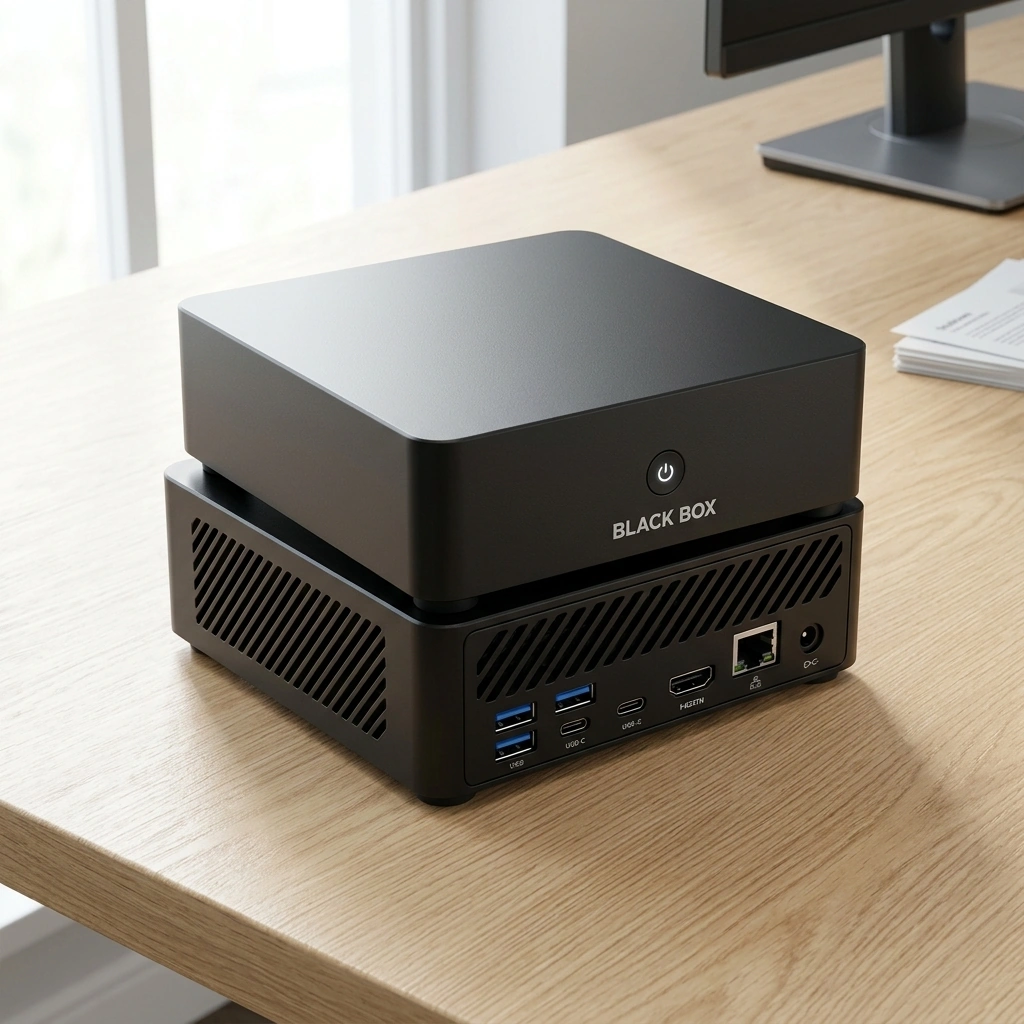

Black Box Desktop AI is a compact personal AI appliance designed to run local models on 64 GB of unified memory. This guide explains the realistic limits of that hardware for document processing, quantization, multimodal tasks, and concurrent workloads. It covers how memory allocation affects performance and what users can expect from a system built for local inference.
RAG Document Processing
Retrieval-Augmented Generation (RAG) is a technique that allows a model to access external documents to ground its responses in specific data. On a 64 GB unified memory system, the primary constraint is the size of the vector database and the context window of the active model. You can store embeddings for thousands of documents, but the active context must fit within the available memory alongside the model weights. For additional details, review the Customer Experience.
Vector Database Capacity
Vector embeddings are typically 768 to 1536 dimensions. Storing 100,000 embeddings at 1536 dimensions requires roughly 600 MB of memory. This leaves ample room for the model itself. However, if you use larger context windows, such as 32k or 128k tokens, the memory footprint for the active conversation grows significantly. Black Box is designed to manage this allocation efficiently, ensuring that document retrieval does not starve the model of necessary resources. For additional details, review the Frequently Asked Questions.
Context Window Management
Long context windows are useful for analyzing lengthy reports or codebases. A 128k token context window can consume several gigabytes of memory depending on the model architecture. Users should monitor memory usage when processing large batches of documents. The system allows for customizable agents that can handle specific document types, optimizing memory usage for different tasks. For additional details, review the About.
Quantization Methods
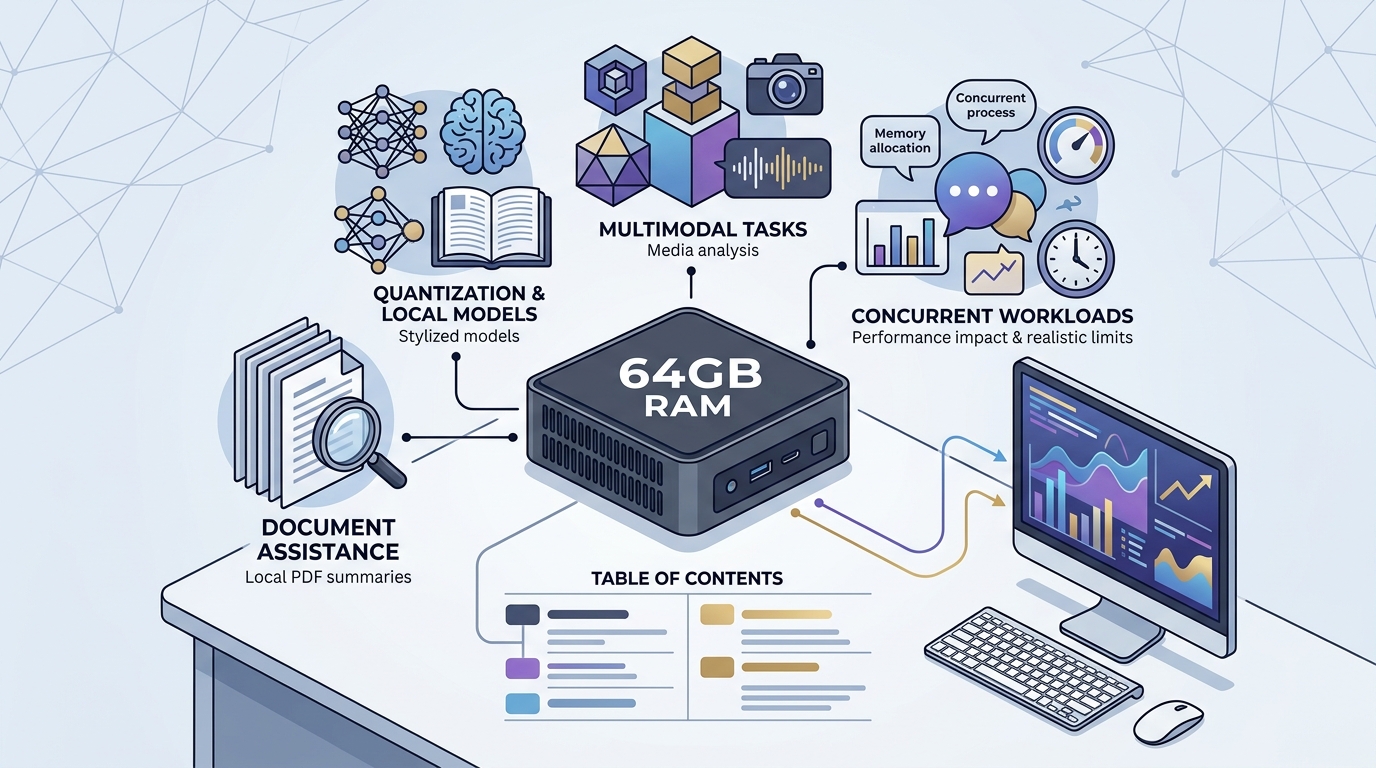
Impact on Model Size
Quality Trade-offs
Lower precision can lead to a slight decrease in output quality. However, for many tasks, the difference is negligible. Users should test different quantization levels to find the optimal balance for their specific use case. The system provides tools to evaluate model performance across different quantization settings.
Multimodal Workloads
Multimodal workloads involve processing multiple data types, such as text, images, and audio, simultaneously. These tasks require more memory than text-only inference because the model must process and integrate different modalities. A 64 GB system can handle basic multimodal tasks, but complex workflows may require careful resource management.
Memory Requirements
Processing an image typically requires additional memory for the visual encoder. This can add 1 to 3 GB to the total memory footprint. When combined with a large language model, the total memory usage can approach 20 to 30 GB. This leaves room for other applications, but users should be aware of the cumulative impact of multiple multimodal tasks.
Performance Considerations
Multimodal inference is often slower than text-only inference due to the additional processing steps. The integrated Radeon 890M graphics in Black Box helps accelerate these tasks. Users should expect variable performance depending on the complexity of the input data. The system is designed to prioritize responsiveness for interactive tasks.
LLM Parameter Sizes
Large Language Model (LLM) parameter size is a key determinant of memory usage. A model with 7 billion parameters requires significantly less memory than one with 70 billion parameters. On a 64 GB unified memory system, users can run models up to 30 to 40 billion parameters in quantized formats.
Practical Limits
A 30-billion parameter model in INT4 requires approximately 15 GB of memory. This leaves 49 GB for the operating system, applications, and context data. A 70-billion parameter model in INT4 requires roughly 35 GB, leaving less room for other tasks. Users should choose model sizes based on their specific needs and available memory.
Model Selection
Concurrent Applications
Running multiple applications simultaneously is a common use case for a personal AI appliance. A 64 GB system can handle several concurrent tasks, but the total memory usage must remain within the available limit. Users should monitor memory usage to avoid performance degradation.
Typical Workloads
Resource Management
System Memory Allocation
System memory allocation refers to how the operating system divides available memory among different components. In a unified memory architecture, the CPU and GPU share the same memory pool. This design allows for efficient data transfer between components, but it also requires careful management to avoid bottlenecks.
Unified Memory Architecture
Unified memory architecture is a design where the CPU and GPU access the same physical memory. This eliminates the need for data transfer between separate memory pools, reducing latency. However, it also means that the total memory usage of all components must fit within the available capacity. Black Box is designed to optimize this allocation for AI workloads.
Monitoring and Tuning
Users can monitor memory usage through the system interface. This allows them to identify potential bottlenecks and adjust settings as needed. The system provides recommendations for optimal memory allocation based on the active workloads. Users can also set limits for specific applications to prevent them from consuming excessive resources.
Multimodal Workflows: Vision
Vision workflows involve processing images to extract information or generate descriptions. These tasks require a visual encoder and a language model. The visual encoder processes the image into a series of tokens, which are then passed to the language model for interpretation.
Image Resolution and Memory
Common Vision Tasks
Speech
Speech processing involves converting audio to text (speech recognition) or text to audio (text-to-speech). These tasks require specialized models that are optimized for audio data. A 64 GB system can handle basic speech tasks, but complex workflows may require additional resources.
Speech Recognition
Text-to-Speech
Image Generation
Image generation involves creating new images from text prompts. These tasks require a diffusion model, which is typically larger than a language model. A 64 GB system can handle basic image generation, but complex workflows may require careful resource management.
Model Size and Memory
Generation Time and Quality
Image generation time depends on the model size and the resolution of the output image. Higher resolution images take longer to generate. Users should consider the trade-off between quality and speed when planning their workflows. The system provides tools to monitor generation time and adjust settings as needed.
Comparison Table: Memory Usage by Task
| Task Type | Typical Model Size | Estimated Memory Usage | Notes |
|---|---|---|---|
| Text Generation (7B INT4) | 7 Billion Parameters | ~4 GB | Efficient for basic tasks |
| Text Generation (30B INT4) | 30 Billion Parameters | ~15 GB | Higher quality for complex reasoning |
| RAG (100k Docs) | Vector Database | ~0.6 GB | Depends on embedding dimension |
| Vision (1024x1024) | Visual Encoder | ~1-2 GB | Additional to LLM memory |
| Speech Recognition | Audio Model | ~1-3 GB | Depends on model complexity |
| Image Generation (1B FP16) | Diffusion Model | ~2 GB | Basic quality |
| Image Generation (10B FP16) | Diffusion Model | ~20 GB | Higher quality, slower |
Key Takeaways
- A 64 GB unified memory system can run LLMs up to 30-40 billion parameters in quantized formats.
- Quantization methods like INT4 significantly reduce memory usage, allowing larger models to fit.
- Multimodal workloads require additional memory for visual and audio encoders.
- Concurrent applications must be managed to avoid memory bottlenecks.
- Unified memory architecture allows efficient data transfer between CPU and GPU.
- Users should monitor memory usage to optimize performance for their specific tasks.
- Black Box provides tools to manage resource allocation and monitor system performance.
Frequently Asked Questions
What is the maximum LLM size I can run on Black Box?
You can run models up to 30 to 40 billion parameters in INT4 quantization. Larger models may require more memory than is available.
How does quantization affect model quality?
Quantization can lead to a slight decrease in output quality, but for many tasks, the difference is negligible. Users should test different quantization levels to find the optimal balance.
Can I run multiple AI agents concurrently?
Yes, you can run multiple AI agents concurrently. Each agent has its own context and memory allocation. Users should monitor total memory usage to avoid performance degradation.
What is the impact of long context windows on memory usage?
Long context windows can consume several gigabytes of memory. Users should monitor memory usage when processing large batches of documents or long conversations.
How does unified memory architecture benefit AI workloads?
Unified memory architecture allows the CPU and GPU to share the same memory pool, reducing latency and improving data transfer efficiency. This is beneficial for AI workloads that require frequent data exchange between components.
Can I use Black Box for image generation?
How do I monitor memory usage on Black Box?
You can monitor memory usage through the system interface. This allows you to identify potential bottlenecks and adjust settings as needed. The system provides recommendations for optimal memory allocation based on the active workloads. Learn more: Black Box Desktop AI.