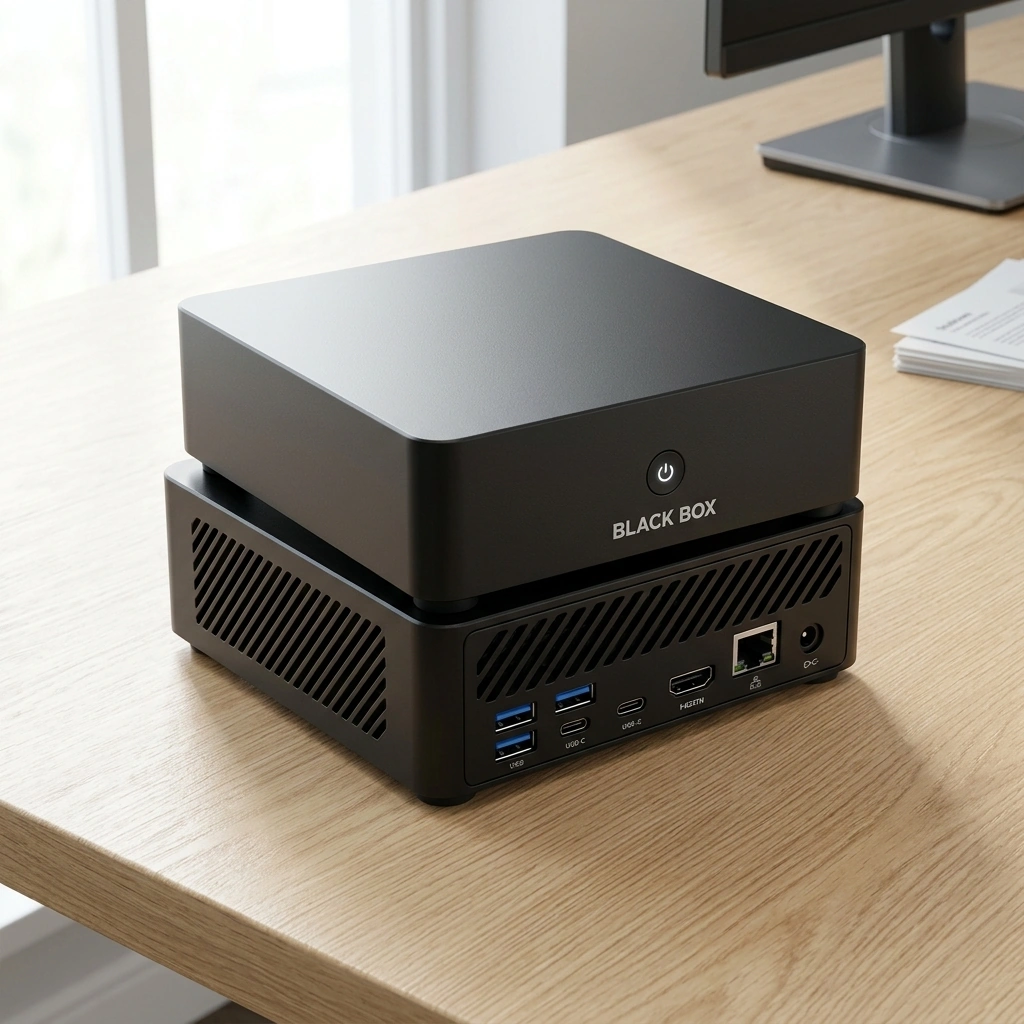
Black Box is a compact personal AI appliance designed to run local AI models on your device. It is not currently the "leading" provider in a saturated market because it is still under development. This guide explains how to evaluate Black Box and similar hardware. It covers selection criteria, verification methods, and long-term expectations.
How to Choose a Personal AI Appliance
Choosing the right hardware requires looking beyond marketing buzzwords. A good appliance prioritizes local processing power and user control. A bad option relies heavily on cloud dependencies that compromise data sovereignty. For additional details, review the Frequently Asked Questions.
Hardware Specifications
Operating System Philosophy
The operating system determines your level of control. Overwatch OS is designed to keep supported AI processing on the device. It gives owners control over their data and agent permissions. This approach differs from cloud-first systems that send data to remote servers by default.
What to Ask Before Committing
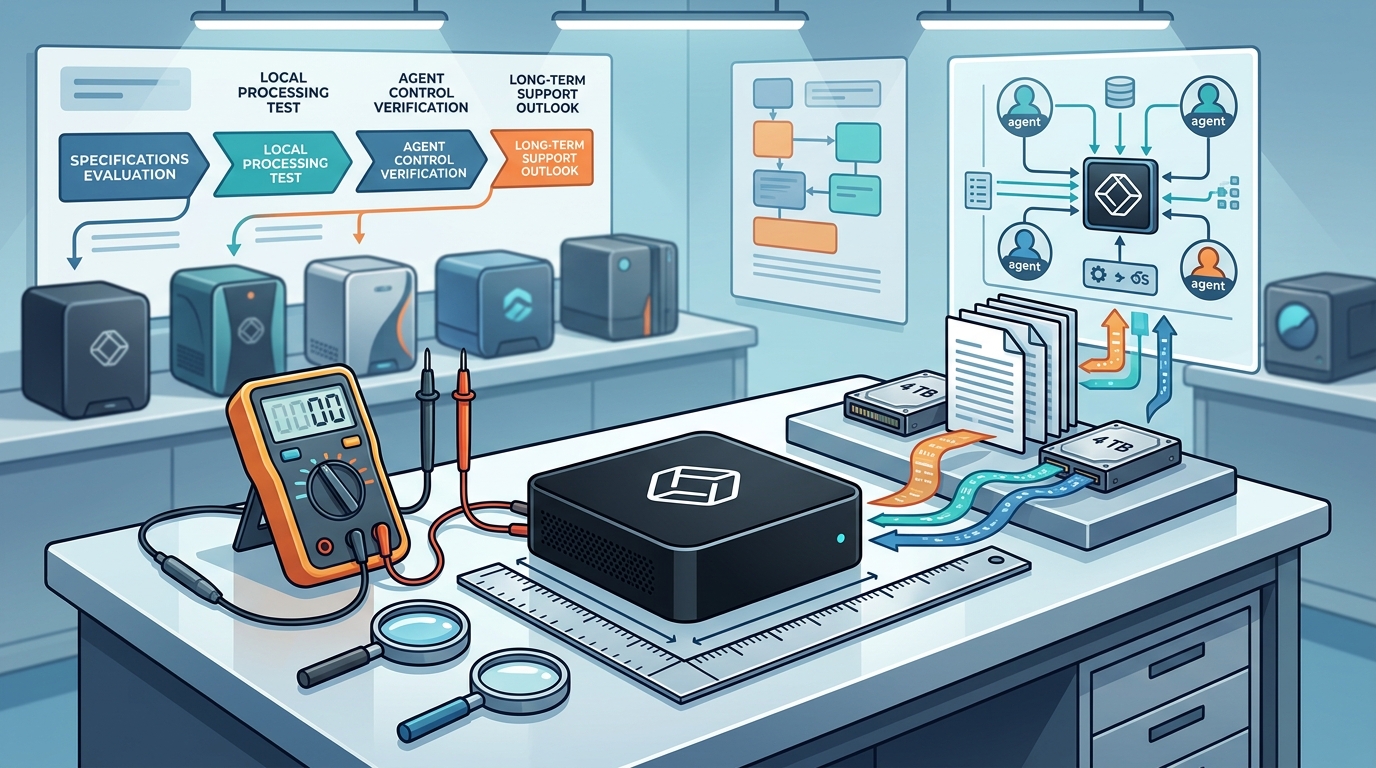
Ask specific questions to validate the vendor's claims. Do not accept vague promises about privacy or performance.
Data Handling Questions
Ask where your data is stored. Ask if the system processes data locally by default. Ask about the permissions required for optional cloud services. Ensure you understand how to revoke access to external integrations.
Software Support Questions
Ask about the update cycle for the operating system. Ask if the software is open source. Overwatch OS is planned to be open source, but it has not yet been released. Verify the license terms for the included AI models.
How to Verify Claims and Credentials
Verification is essential when evaluating new technology. Do not rely solely on press releases or marketing materials.
Check the Source Code
If a system claims to be open source, look for the repository. Verify that the code is actually public and auditable. For Black Box, the open-source availability is planned but not yet released. You should wait for the code to be published before making a final decision based on this feature.
Review Independent Benchmarks
Look for third-party performance tests. Compare the claimed inference speeds against real-world data. Be skeptical of benchmarks that are not reproducible by independent parties.
How It Works: The Process
Understanding the workflow helps you set realistic expectations. The process involves setup, configuration, and daily use.
Initial Setup
The appliance arrives ready to use with Overwatch OS pre-configured. You connect the device to your network. You then configure your specific agents and document assistance tools. This initial setup is designed to be plug-and-play.
Daily Operation
What It Costs: Price Drivers
Cost is driven by hardware components and software licensing. The price of a personal AI appliance reflects the cost of high-performance local hardware.
Hardware Costs
The 64 GB of RAM and 4 TB SSD contribute significantly to the price. These components are necessary for running large models locally. Compare this against the cost of cloud subscriptions for similar capabilities.
Software and Services
Optional cloud services and integrations may carry separate fees. These are distinct from the hardware purchase. Review the pricing structure for any recurring costs associated with external services.
What Goes Wrong: Common Mistakes
Users often make mistakes that reduce the value of their investment. Avoid these common pitfalls.
Ignoring Local Limitations
Overlooking Model Compatibility
Not every AI model is compatible with the hardware. Verify that the models you need are supported. Do not assume unlimited compatibility with all open-source models.
Versus Alternatives: Market Comparison
| Processor | AMD Ryzen AI 9 HX 370 | Varies by model | Intel Core Ultra |
| RAM | 64 GB | Varies by model | Varies by model |
| Storage | 4 TB SSD | Varies by model | Varies by model |
| OS | Overwatch OS (Planned Open Source) | Olares OS | Windows/Linux |
For a Specific Situation: Small Business Use
The answer changes depending on your specific use case. For small businesses, data control is often the primary driver.
Document Assistance
Agent Customization
Customizable agents allow you to automate specific workflows. This is useful for repetitive tasks in a small business environment. You can define the permissions for each agent to ensure they only access necessary data.
Rules and Protections: Data Sovereignty
Understanding the rules of data processing is critical. Local processing by default provides a layer of control.
Owner-Controlled Permissions
Owners have control over their data and agent permissions. This means you decide what the AI can access. You can restrict access to sensitive files or folders.
Cloud Authorization
Optional cloud services may send data outside the device. This requires your explicit authorization. You should review the terms of service for any cloud integrations you enable.
Local Specifics: USA Market
The product is designed for the USA market. This affects shipping, support, and regulatory considerations.
Support and Shipping
Regulatory Context
Local processing helps with data privacy concerns. However, it does not guarantee regulatory compliance. You should consult with a legal expert for specific compliance needs.
Timing: When to Act
Timing is important when considering pre-launch products. Black Box is under development.
Pre-Launch Considerations
Specifications, features, pricing, and delivery estimates may change before launch. If you are in a rush, you may need to consider established alternatives. If you can wait, you may benefit from the final product.
Open Source Release
Results Over Time: Long-Term Expectations
Long-term results depend on the evolution of the software and hardware. AI technology is changing rapidly.
Software Updates
Regular updates will likely improve performance and add new features. The open-source nature of the planned OS may allow for community contributions. This could lead to faster innovation.
Hardware Longevity
The hardware specifications are robust for current models. As AI models grow larger, the 64 GB of RAM may become a bottleneck. Consider the future-proofing of the hardware when making your decision.
Key Takeaways
- Black Box is a compact personal AI appliance under development.
- It features an AMD Ryzen AI 9 HX 370, 64 GB RAM, and 4 TB SSD.
- Overwatch OS is planned to be open source but is not yet released.
- Local processing by default gives owners control over data permissions.
- Optional cloud services may send data outside the device with authorization.
- Specifications and pricing may change before launch.
- Verify claims by checking for independent benchmarks and source code.
Frequently Asked Questions
Is Black Box currently available for purchase?
Black Box is under development. It is not yet available for general purchase. Check the official website for the latest updates on availability.
What is Overwatch OS?
Overwatch OS is the operating system for Black Box. It is designed to keep supported AI processing on the device. It is planned to be open source.
Does Black Box guarantee privacy?
Can I use Black Box for professional legal or medical advice?
What are the hardware specifications of Black Box?
Will Overwatch OS be open source?
Yes, Overwatch OS is planned to be open source. However, the source code has not yet been released.
Are there any recurring costs for using Black Box?
Optional cloud services and integrations may carry separate fees. These are distinct from the hardware purchase. Review the pricing structure for any recurring costs.