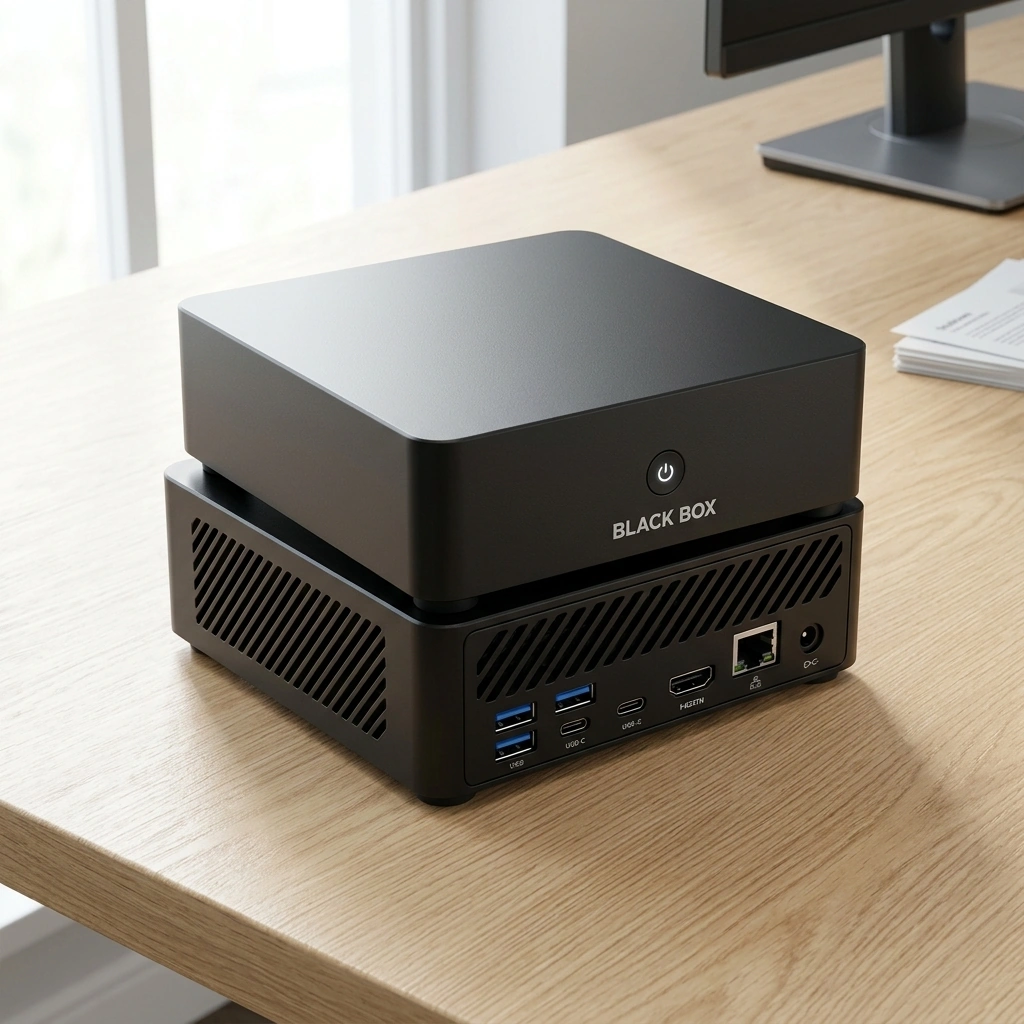
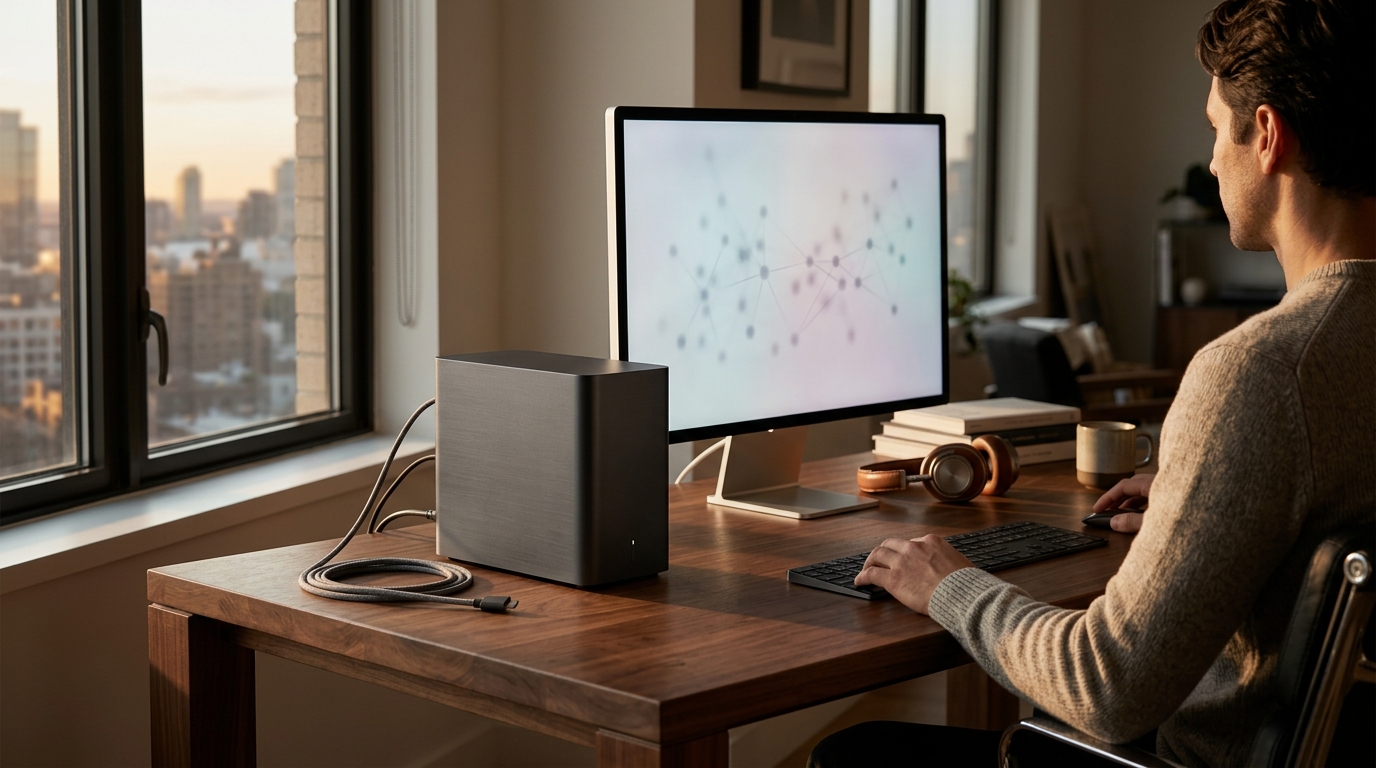
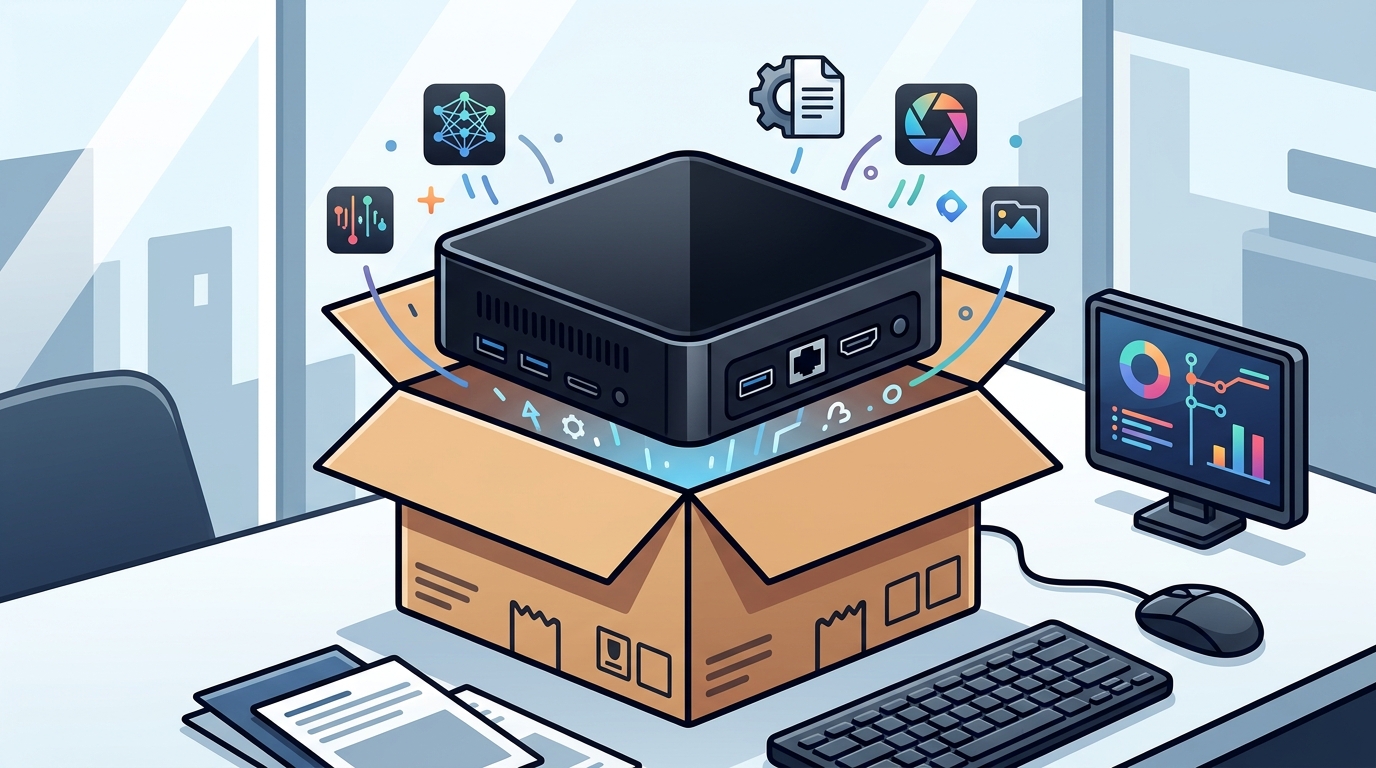
Yes, out-of-the-box AI computers exist in 2026. Devices like the Black Box Desktop AI arrive pre-configured with local AI models and operating systems, eliminating the need for manual setup of Ollama or Docker. This guide covers how to choose, verify, and deploy these appliances. It also details costs, common pitfalls, and long-term results for individuals and small businesses seeking private, local AI processing.
How to Choose a Local AI Appliance
Choosing the right hardware requires looking beyond raw processing power. A local AI appliance is a dedicated device designed to run artificial intelligence models entirely on the user's hardware. The primary differentiator is the pre-configured operating environment. Many DIY builds require users to install complex containerization tools like Docker or model runners like Ollama. A true out-of-the-box solution integrates these components into a stable, user-friendly interface. For example, the Black Box Desktop AI features Overwatch OS, which is designed to manage local models without requiring command-line expertise.
Hardware Specifications
Memory and storage are critical for local AI. Large language models require significant RAM to load and operate efficiently. A system with 64 GB of RAM can handle larger context windows and more complex models compared to standard consumer laptops. Storage speed also matters. NVMe SSDs ensure that model weights load quickly, reducing wait times between prompts. When evaluating options, prioritize expandable storage and RAM slots over fixed configurations. For additional details, review the Frequently Asked Questions.
Software Ecosystem
The software layer determines usability. Look for an operating system that abstracts the complexity of model management. It should allow users to switch between different AI models, adjust parameters, and manage memory with simple clicks. The Black Box Desktop AI is built around this philosophy, providing a compact personal AI appliance that arrives ready to use. This approach reduces the barrier to entry for non-technical users who want the benefits of local AI without the setup burden.
Questions to Ask Before Committing
Before purchasing any AI hardware, specific questions must be answered to ensure the device fits your workflow. These questions help distinguish between a genuine appliance and a generic mini-PC that requires significant tinkering.
Setup and Configuration
Ask if the device arrives with AI models pre-installed. Does it require a separate subscription to access the models? Clarify if the operating system is open-source or proprietary. For instance, Overwatch OS is planned to be open-source, which allows for community support and transparency. Understanding the license terms is essential for long-term use.
Privacy and Data Handling
Inquire about data flow. Does the device process all data locally by default? Are there optional cloud services that require explicit user permission? Privacy in this context is defined as local processing by default, with owner-controlled permissions. Ensure that you can inspect, edit, or delete saved memories and data at any time. This level of control is a hallmark of a well-designed local AI system.
Verifying Claims and Credentials
Marketing claims for AI hardware can be vague. Verification requires checking technical specifications against independent benchmarks or manufacturer documentation. Look for specific processor models, such as the AMD Ryzen AI 9 HX 370, which is known for its integrated AI acceleration capabilities. Verify the RAM type and speed, as well as the storage interface. If a vendor claims