
Confidentiality Preserving Inference
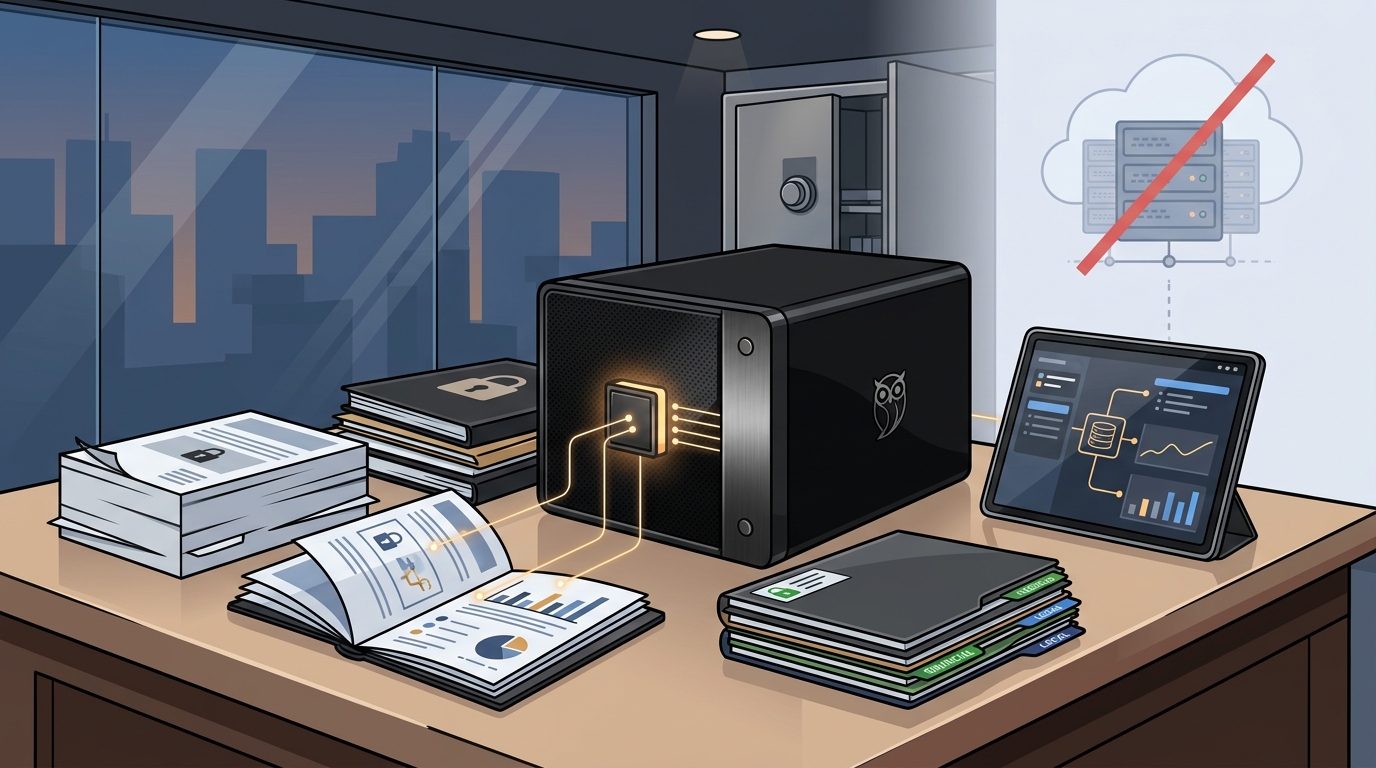
Confidentiality preserving inference is the execution of AI models where input data and generated outputs remain within a trusted boundary, typically the user's local device. In traditional cloud-based AI services, data is transmitted to remote servers for processing. This transmission creates a risk vector where data could be logged, analyzed, or exposed by third-party infrastructure providers. For professionals in legal, medical, or financial sectors, this risk is often unacceptable due to strict client confidentiality agreements and regulatory expectations. For additional details, review the .
The Local Processing Advantage
By shifting inference to local hardware, the data never leaves the physical enclosure of the device. This approach ensures that the primary processing of sensitive documents occurs in an environment where the user has physical and logical control. While local processing does not guarantee complete security or regulatory compliance, it significantly reduces the attack surface associated with network transmission. The user retains the ability to inspect, edit, or delete saved memories and data at any time, providing a level of transparency that opaque cloud logging cannot match. For additional details, review the Customer Experience.
Owner-Controlled Permissions
Modern local AI systems are designed with granular permission controls. Users can define which documents are accessible to specific AI agents and restrict external integrations. This means that while a device may have the capability to connect to the internet for optional services, the user must explicitly authorize any data transmission. This "zero-cloud" default posture aligns with the needs of professionals who require strict data sovereignty. For additional details, review the Frequently Asked Questions.
Hardware Requirements for Local LLMs
Running large language models locally requires specific hardware capabilities that differ significantly from standard office computers. The two most critical components are Random Access Memory (RAM) and the Central Processing Unit (CPU) or Graphics Processing Unit (GPU). RAM determines the size of the model that can be loaded into memory for inference, while the CPU/GPU determines the speed at which tokens are generated.
RAM Capacity and Model Size
Large language models are stored as large files of weights. To run a model effectively, the entire model (or a quantized version of it) must fit into the system's RAM. For professional-grade tasks such as literature synthesis and complex document analysis, models with 7 billion to 70 billion parameters are often required. A system with 64 GB of RAM provides sufficient headroom to run these larger models alongside the operating system and other applications. This capacity allows for higher context windows, enabling the AI to process longer documents without losing track of earlier information.
Processing Power and Storage
Processing power is measured in tokens per second. Faster inference times improve the user experience, making the AI feel more responsive. Modern processors with integrated AI accelerators, such as the AMD Ryzen AI 9 HX 370, are designed to handle these workloads efficiently. Additionally, storage speed is crucial. A high-speed NVMe SSD ensures that model weights are loaded quickly when the system boots or when a new model is selected. A 4 TB internal NVMe SSD provides ample space for storing multiple models, large document libraries, and system files without requiring external storage solutions.
The Black Box Desktop AI Overview
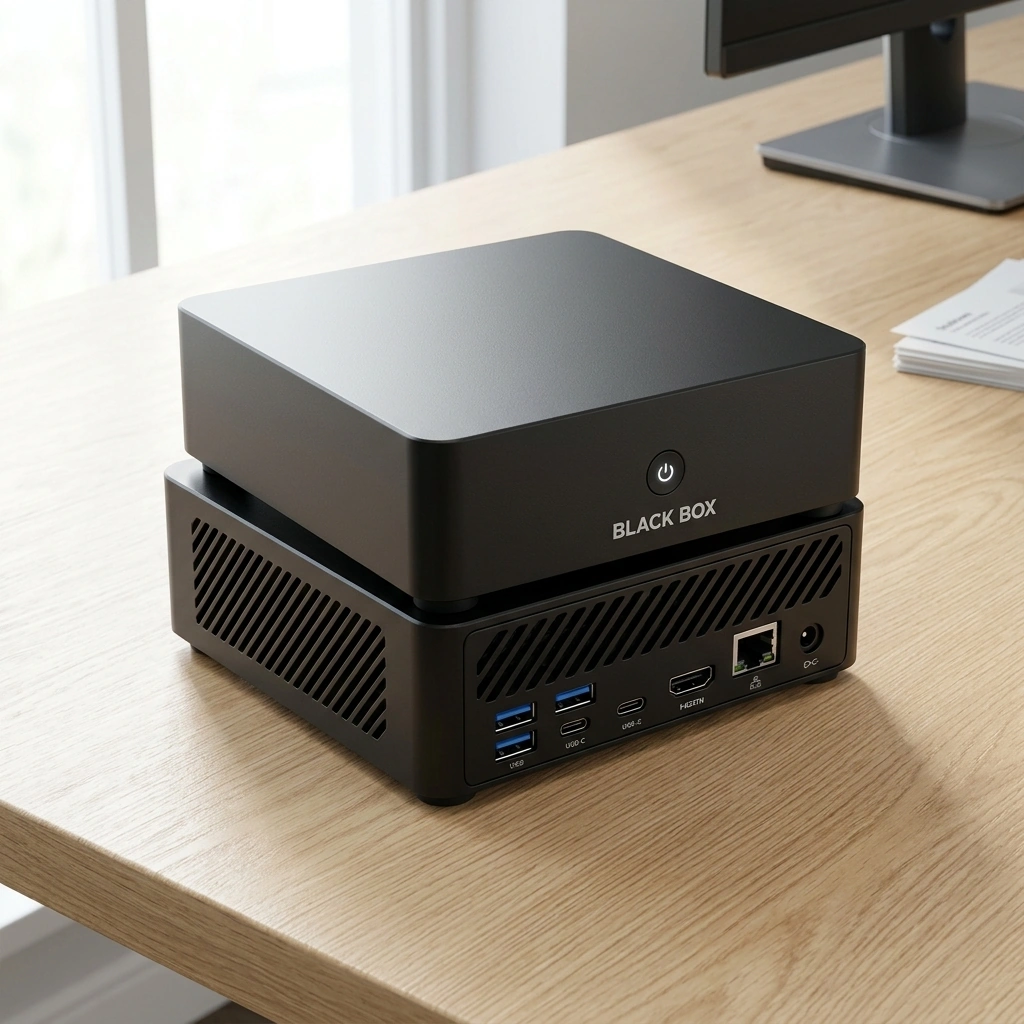
The Black Box Desktop AI is a compact personal AI appliance designed to arrive ready to use with Overwatch OS pre-configured. It is engineered for individuals and small businesses who need a private, dedicated device for AI tasks. The hardware is housed in a compact square matte-black ABS enclosure, making it suitable for a professional desk environment. The device is designed to be a "zero-token-fee" solution, meaning that once purchased, the user does not pay recurring subscription fees for basic local AI usage.
Key Specifications
The Black Box features an AMD Ryzen AI 9 HX 370 processor and integrated Radeon 890M graphics. It comes equipped with 64 GB of replaceable RAM and a 4 TB internal NVMe SSD. These specifications are chosen to support the running of advanced local AI models. The device is designed to be expandable, allowing users to upgrade components as their needs evolve. The focus is on providing a stable, private environment for document analysis and agent execution.
Design Philosophy
The design philosophy of the Black Box centers on total control and local privacy. The device is intended to process supported tasks and documents locally. Outside services are optional and require explicit permission from the user. This approach ensures that the core value proposition of data privacy is maintained. The Black Box is not just a computer; it is a specialized appliance for AI workflows, pre-configured to minimize setup time and maximize security.
Overwatch OS and Agent Management
Overwatch OS is the operating system that powers the Black Box Desktop AI. It is designed to bring local AI models, document assistance, customizable agents, and optional conversation memory into one easy-to-use system. Overwatch OS is planned to be open-source software, which will allow for transparency and community-driven improvements. However, it is important to note that the source code is planned to be released but has not yet been published. Users should be aware that the current version is under development.
Customizable Agents
Memory and Privacy Controls
Local Hardware vs. Cloud Services
Choosing between local hardware and cloud services involves weighing privacy, cost, and convenience. The following table summarizes the key differences between a local AI appliance like the Black Box and commercial cloud AI services.
| Feature | Black Box (Local) | Cloud AI Services |
|---|---|---|
| Data Privacy | 100% Local Processing | Cloud Stored |
| Monthly Fees | $0 (After Purchase) | Recurring Subscriptions |
| Hardware Expansion | 4 Drive Bays | Zero Access |
| Memory Ownership | Full Control | Opaque Logging |
| Setup Complexity | Pre-configured | Account Management |
The table highlights that while cloud services offer convenience, they often come with recurring costs and less control over data. Local hardware requires an upfront investment but offers long-term cost savings and superior privacy controls. For professionals handling confidential data, the local approach is often the preferred choice.
Implementation Strategy for Professionals
Implementing local AI hardware requires a strategic approach to ensure that it integrates smoothly into existing workflows. Professionals should start by identifying the specific tasks that would benefit most from AI assistance. Common use cases include literature synthesis, private document analysis, and continuous local agent execution. Once these tasks are identified, the user can configure the appropriate agents and permissions in Overwatch OS.
Workflow Integration
Integrating local AI into a workflow involves setting up secure file storage and defining access controls. Users should organize their documents into folders that correspond to different clients or projects. They can then assign specific agents to these folders, ensuring that each agent only has access to the data it needs. This compartmentalization enhances security and reduces the risk of data leakage. It is also important to regularly review and update permissions as projects change.
Human Review and Oversight
Key Takeaways
- Local processing by default is the primary advantage of local AI hardware for confidential data.
- 64 GB of RAM is a recommended minimum for running professional-grade large language models locally.
- Owner-controlled permissions allow users to define exactly which data each AI agent can access.
- Overwatch OS provides a pre-configured environment for managing local AI models and agents.
- Zero-token-fee models eliminate recurring subscription costs for basic local AI usage.
- Human review is essential; AI outputs should always be verified before professional use.
- Expandable hardware allows for future upgrades as AI models and user needs evolve.
Frequently Asked Questions
Is local AI hardware secure?
Local AI hardware reduces the risk of data transmission by processing data on the device. However, local processing does not guarantee complete security or regulatory compliance. Users should still implement standard security practices, such as using strong passwords and keeping the system updated.
Can I use cloud services with the Black Box?
Yes, optional cloud services and integrations are available. However, any data transmission to external services requires explicit authorization from the user. By default, the system is designed to keep data local.
What is the difference between local and cloud AI?
Local AI processes data on the user's device, while cloud AI sends data to remote servers for processing. Local AI offers greater privacy and control, while cloud AI may offer more convenience and access to larger models.
Do I need technical experience to use the Black Box?
No, the Black Box is designed to be ready out of the box. It arrives pre-configured with Overwatch OS, so users can start using AI models and tools without extensive technical setup.
Can I upgrade the hardware later?
Yes, the Black Box features replaceable RAM and expandable storage. This allows users to upgrade components as their needs grow or as new hardware becomes available.
Is Overwatch OS open source?
Overwatch OS is planned to be open-source software. However, the source code has not yet been released. Users should check for updates regarding the release of the open-source version.