
What Can You Actually Run on a 64GB Unified Memory AI Mini PC?
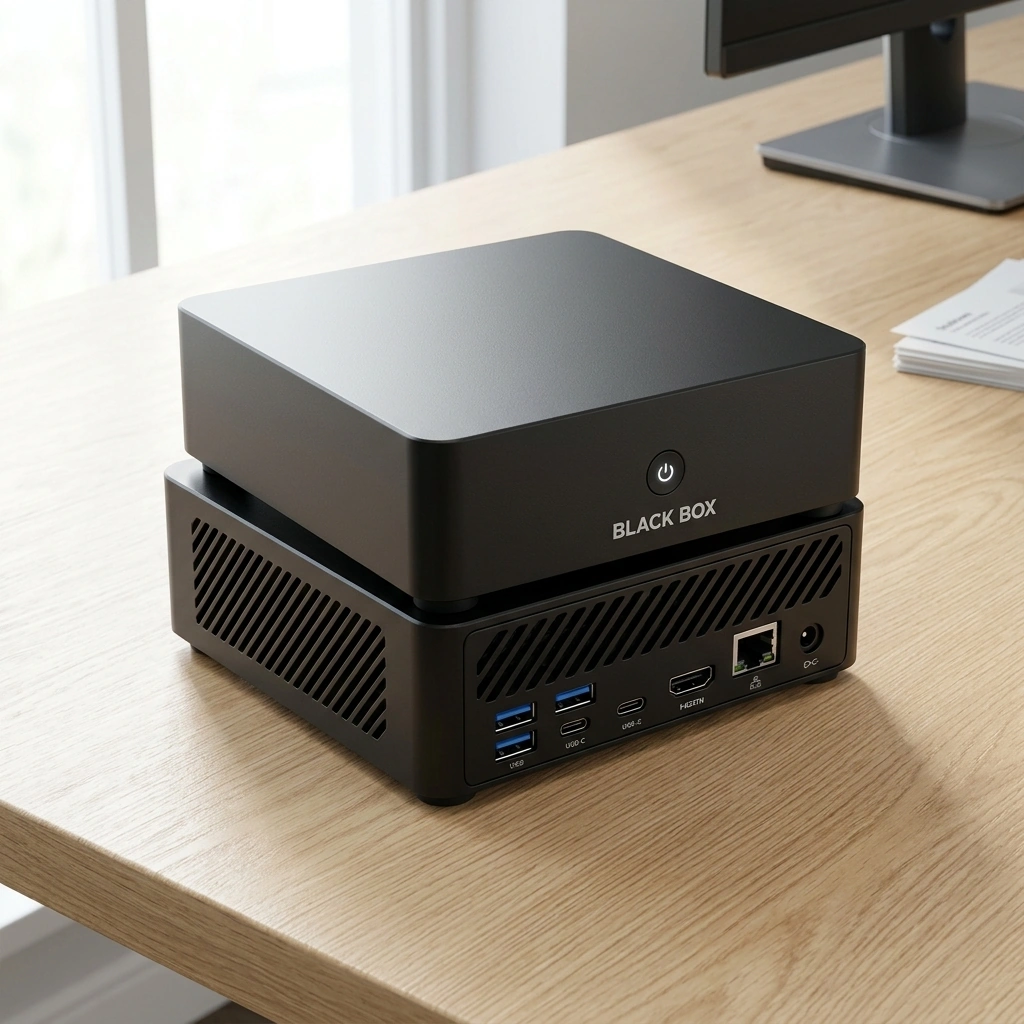
Black Box Desktop AI is a compact personal AI appliance designed to run local models on 64 GB of unified memory. This guide explains the realistic limits of that hardware for document processing, quantized LLMs, multimodal tasks, and concurrent workloads. We cover memory allocation strategies, parameter size trade-offs, and how Overwatch OS manages these resources to keep your data local.
RAG and Document Processing
Quantization Methods
Multimodal Workloads
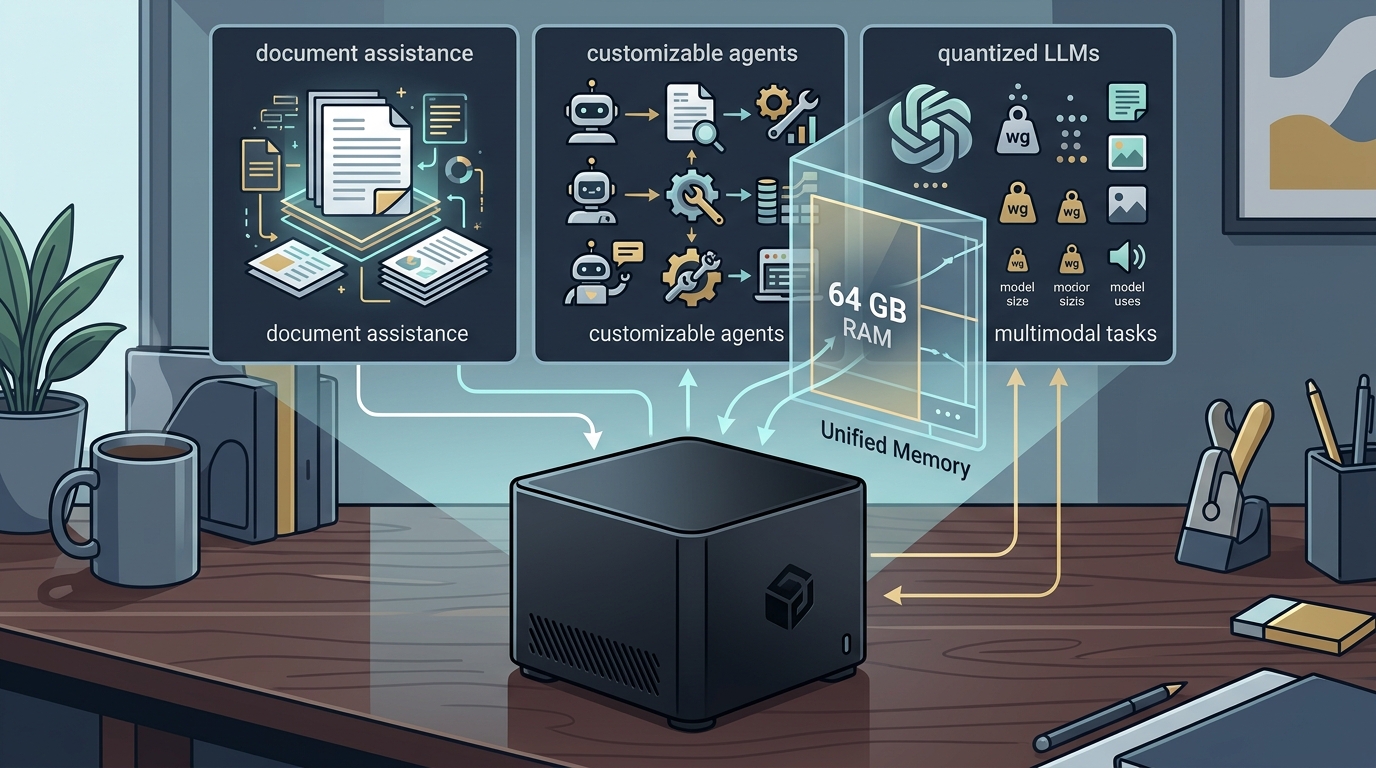
Multimodal workloads are tasks that involve processing more than one type of data, such as text and images, simultaneously. Running multimodal models on a 64 GB system requires careful memory management because vision encoders and language models often share memory resources. A typical multimodal model might use 10 GB to 20 GB for the vision component and the rest for the language backbone. Black Box's integrated Radeon 890M graphics and unified memory architecture allow the GPU and CPU to access the same memory pool, which is efficient for these mixed workloads. Users can run vision-language models that understand images and text, but they should be aware that complex multimodal tasks may reduce the maximum context length available for text generation. For additional details, review the .
LLM Parameter Sizes
Large Language Model (LLM) parameter size is a measure of the number of trainable weights in a neural network, which correlates with its capability and memory requirements. On a 64 GB unified memory system, the practical limit for a single LLM depends on the quantization level. At 4-bit precision, you can comfortably run models up to 70 billion parameters. At 8-bit precision, the limit drops to around 30 billion to 35 billion parameters. Smaller models, such as 7 billion or 13 billion parameters, can run at higher precisions, offering better accuracy for specific tasks. Black Box allows users to switch between different model sizes, enabling them to select a smaller, faster model for quick queries or a larger, more capable model for complex reasoning. This adaptability is key to maximizing the utility of the appliance. For additional details, review the Customer Experience.
Concurrent Applications
System Memory Allocation
System memory allocation is the process of dividing available RAM between the operating system, applications, and AI models. In a unified memory architecture, the CPU and GPU share the same physical memory, which simplifies allocation but requires efficient management. Overwatch OS, the operating system planned for Black Box, is designed to optimize this allocation for AI workloads. It dynamically adjusts memory usage based on the active model and task. For instance, when a user loads a large model, the OS may reduce the memory allocated to the graphics buffer for non-AI tasks. This ensures that the AI model has the resources it needs without crashing the system. Users can also set manual limits for specific applications to prevent memory exhaustion. This level of control is essential for a stable and predictable user experience on a fixed-memory appliance. For additional details, review the Frequently Asked Questions.
Multimodal Workflows: Vision
Speech Processing
Image Generation
Key Takeaways
- 64 GB of unified memory allows running LLMs up to 70 billion parameters at 4-bit precision. For additional details, review the About.
- RAG is a practical workload for 64 GB systems, separating context storage from model memory.
- Quantization is essential for fitting large models into limited memory, trading accuracy for size.
- Multimodal workloads require careful memory management to balance vision and language components.
- Concurrent applications are feasible but should be limited to avoid memory exhaustion.
- System memory allocation is optimized by Overwatch OS for AI workloads.
- Local speech and image generation are supported, ensuring data privacy and control.
Frequently Asked Questions
Can I run a 70-billion parameter model on Black Box?
Yes, you can run a 70-billion parameter model on Black Box if it is quantized to 4-bit precision. This requires approximately 35 GB to 40 GB of memory, leaving room for the operating system and context. However, running such a large model may limit the context length and reduce performance for other tasks.
How much memory does the operating system use?
The operating system and background services typically use 4 GB to 8 GB of memory. This leaves 56 GB to 60 GB available for AI models and applications. Overwatch OS is designed to optimize this allocation for AI workloads.
Can I run multiple AI models at the same time?
Running multiple large AI models simultaneously is not feasible on a 64 GB system. However, you can run a smaller model alongside a larger one if the total memory usage stays within limits. For example, a 7-billion parameter model and a 13-billion parameter model can run concurrently.
Is Black Box suitable for business use?
Does Black Box require an internet connection?
No, Black Box is designed to run local AI models without an internet connection. Optional cloud services and integrations may require internet access, but core AI tasks can be performed offline. This gives you control over your data and reduces dependency on external servers.
What is the difference between unified memory and discrete memory?
Unified memory is a single pool of RAM shared by the CPU and GPU, while discrete memory is separate memory for the GPU. Unified memory is more efficient for AI workloads because it allows the CPU and GPU to access the same data without copying. This reduces latency and improves performance for tasks that involve both processors.
Can I customize the AI models on Black Box?
Yes, Black Box allows you to customize the AI models you use. You can choose from various pre-configured models or load your own models, depending on your needs. This flexibility allows you to tailor the appliance to your specific use cases, such as document processing or image generation.
Is Overwatch OS open source?
Overwatch OS is planned to be open source, but it has not yet been released. This means that the source code is not currently available for public review. However, the plan is to make it open source in the future, allowing users to inspect and modify the operating system. Learn more: Black Box Desktop AI.