
Confidentiality Preserving Inference
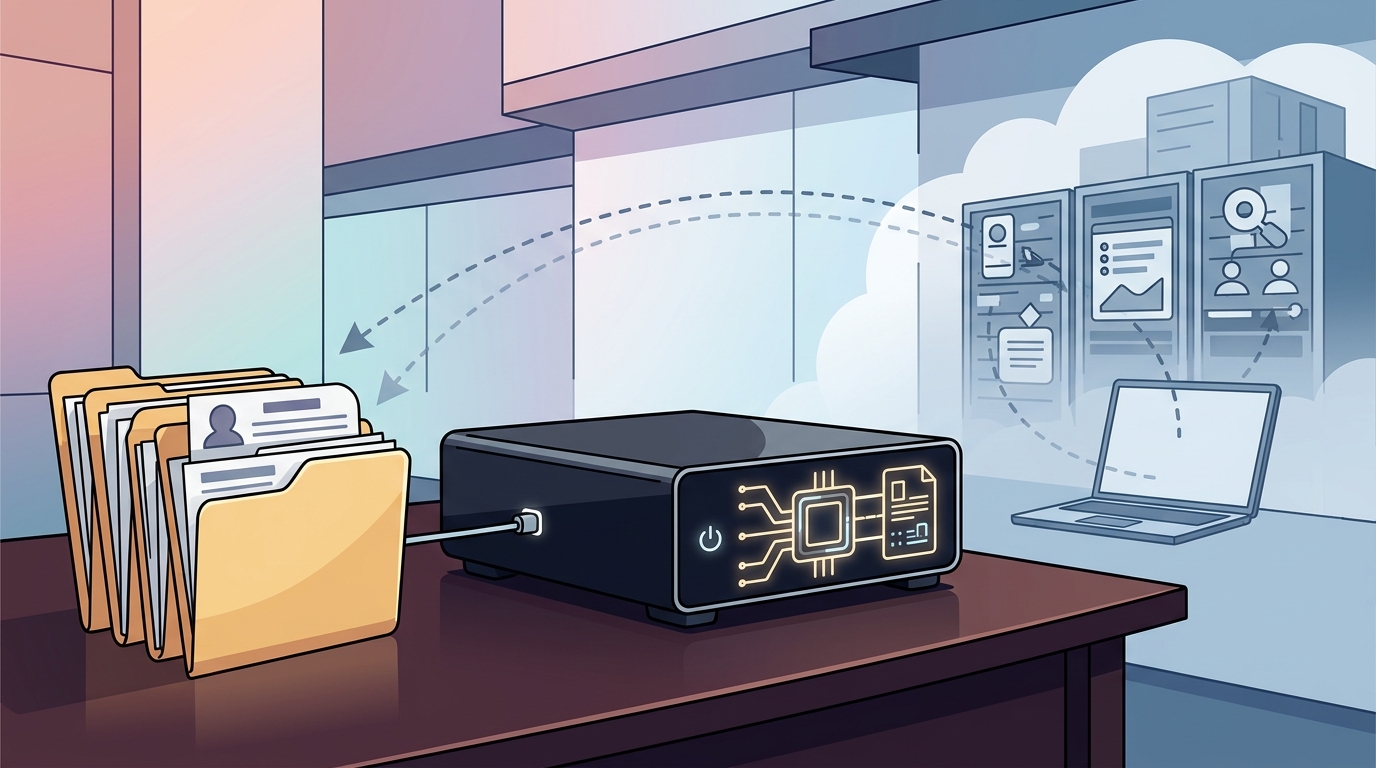
Confidentiality preserving inference is the execution of AI models on local hardware where input data and generated outputs remain within the device boundary. Traditional cloud-based AI services transmit user prompts and documents to remote data centers for processing. This transmission creates a data path that may be logged, analyzed, or accessed by third-party infrastructure providers. Local inference eliminates this external transmission path for the core processing step. For additional details, review the .
For professionals in legal, medical, financial, or consulting fields, client confidentiality is a primary operational constraint. Local processing by default, with owner-controlled permissions, provides a structural method to manage data exposure. When a model runs locally, the raw client data does not leave the machine unless the user explicitly authorizes a cloud service or external integration. This distinction is critical. Local processing does not guarantee complete security or regulatory compliance, but it reduces the surface area for data leakage by keeping the primary data store and compute engine on-premises. For additional details, review the Customer Experience.
The Role of Memory and Storage
Local inference requires sufficient memory to load model weights and process context windows. Large language models (LLMs) used for document analysis and drafting require significant RAM. If the hardware lacks sufficient memory, the system may swap data to the storage drive, which can slow performance. More critically, if the local hardware is underpowered, users may be tempted to offload tasks to cloud services, thereby defeating the purpose of local processing. Adequate local resources ensure that the workflow remains self-contained. For additional details, review the Frequently Asked Questions.
Permission Management
Local hardware is only as secure as the permission model governing it. A robust local AI system should allow the owner to define which agents can access which documents. Overwatch OS is designed to provide customizable agents and optional conversation memory. This means the user can create an agent for legal drafting that has access only to legal files, while a separate agent for marketing has access to brand assets. This granular control prevents cross-contamination of confidential data between different professional contexts. For additional details, review the About.
Hardware Requirements for Local AI
Running professional-grade AI models locally demands specific hardware capabilities. The three primary components are the Central Processing Unit (CPU), the Graphics Processing Unit (GPU), and Random Access Memory (RAM). The CPU handles general system tasks and some AI preprocessing. The GPU accelerates the matrix multiplications required for neural network inference. RAM holds the model weights and the active context window during processing.
Processor Selection
Thermal and Form Factor Considerations
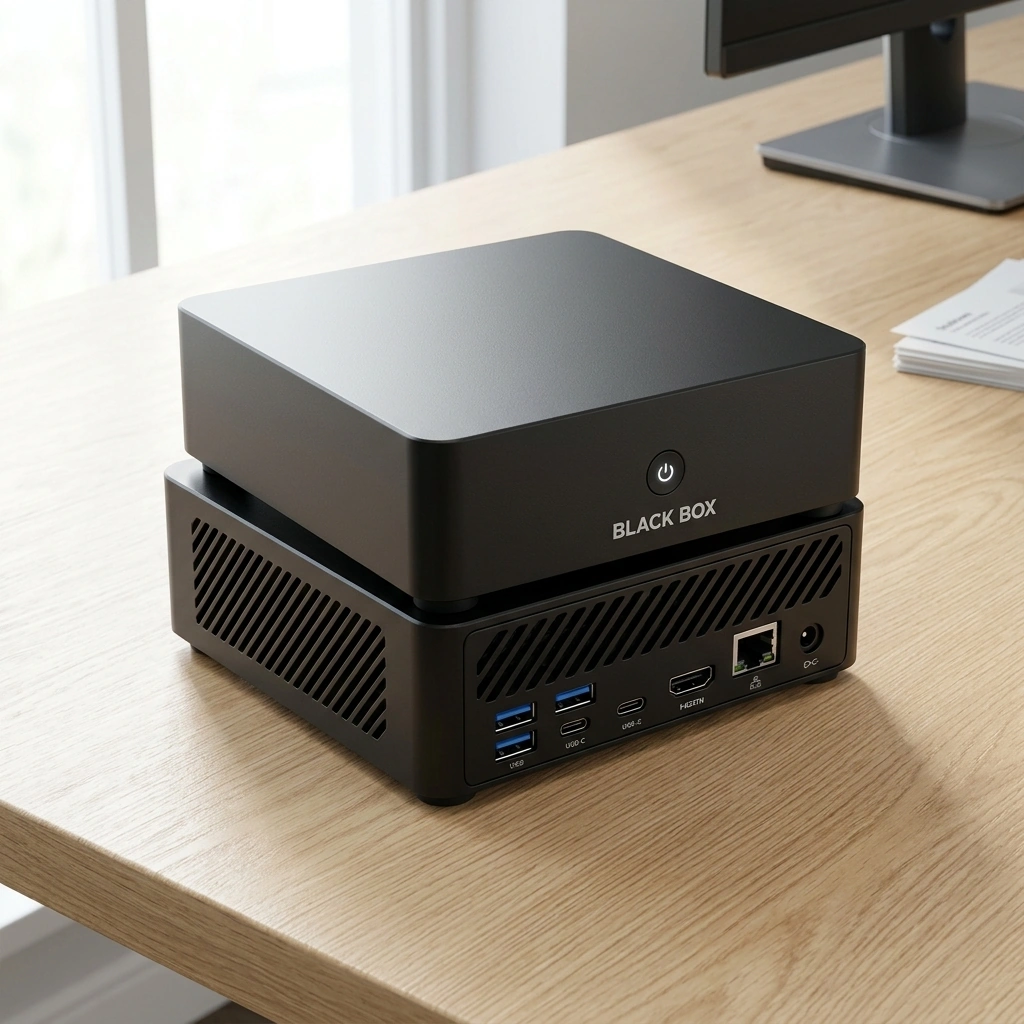
Local AI hardware generates heat during sustained inference. A compact form factor requires efficient cooling solutions. Black Box is designed as a compact personal AI appliance. This form factor is suitable for desk-side use in professional offices. It does not require a large tower footprint, making it easier to integrate into existing workspaces. The compact design also simplifies physical security, as the device can be easily locked in a secure cabinet when not in use.
Black Box and Overwatch OS
Document Assistance and Human Review
Agent Customization
Customizable agents allow professionals to tailor the AI to specific workflows. A law firm might create an agent trained on specific case law or firm templates. A financial advisor might create an agent that adheres to specific compliance guidelines for report generation. These agents operate within the permissions set by the owner. This modularity ensures that the AI system adapts to the professional's specific needs without compromising the security boundaries established by the local hardware.
Hardware Comparison for Professionals
The following table compares the Black Box Desktop AI with other local AI hardware options available in the market. This comparison highlights the specific hardware configurations relevant to professionals handling confidential data.
| Feature | Black Box Desktop AI | Olares One | Beelink OpenClaw | Minisforum N5 MAX AI NAS |
|---|---|---|---|---|
| Processor | AMD Ryzen AI 9 HX 370 | Intel Core Ultra 9 | AMD Ryzen 7 | Intel Core i5 |
| Graphics | Integrated Radeon 890M | Integrated Intel Arc | Integrated AMD Radeon | Integrated Intel UHD |
| RAM | 64 GB | 32 GB | 16 GB | 16 GB |
| Storage | 4 TB SSD | 1 TB SSD | 1 TB SSD | 4 TB HDD + 1 TB SSD |
| OS | Overwatch OS (Planned Open Source) | Olares OS | Windows 11 | Debian Linux |
| Primary Use Case | Professional Local AI Appliance | Privacy-Focused PC | Compact AI PC | Network Attached Storage |
Black Box distinguishes itself with 64 GB of RAM and a 4 TB SSD, which are significantly higher than the base configurations of many competing compact systems. This hardware headroom is essential for running larger, more capable local models that professionals may require for complex document analysis. The planned open-source nature of Overwatch OS also provides a level of transparency that is not always present in proprietary operating systems.
Key Takeaways
- Local AI hardware processes data on the device, reducing external data exposure for confidential client information.
- Confidentiality preserving inference is the execution of AI models locally, keeping inputs and outputs within the device boundary.
- 64 GB of RAM is a critical specification for running professional-grade local AI models efficiently.
- Black Box Desktop AI is designed as a plug-and-play appliance with 64 GB RAM and a 4 TB SSD.
- Overwatch OS is planned to be open-source, offering transparency in data handling and permissions.
- Local processing by default, with owner-controlled permissions, is the core privacy mechanism of Black Box.
- AI outputs are tools for human review and should not replace professional legal, medical, or financial advice.
- Optional cloud services may transmit data outside the device only with explicit user authorization.
Frequently Asked Questions
Does Black Box guarantee that my data will never leave the device?
What is Overwatch OS?
Overwatch OS is the operating system that powers Black Box Desktop AI. It is planned as open-source software available for this domain. It manages local AI models, document assistance, and customizable agents.
Can Black Box run large language models locally?
Yes. With 64 GB of RAM and a 4 TB SSD, Black Box is equipped to run mid-sized and large local AI models. The specific models supported will depend on the final software release and hardware optimization.
Is Black Box suitable for small businesses?
Does Black Box replace professional advice?
No. Black Box is a tool supporting human review. AI outputs may be inaccurate and should be reviewed before use. It is not a substitute for professional legal, medical, or financial advice.
When will Overwatch OS be released?
Overwatch OS is under development. Open-source availability is planned but has not yet been released. Specifications, features, pricing, and delivery estimates may change before launch. Learn more: Black Box Desktop AI.