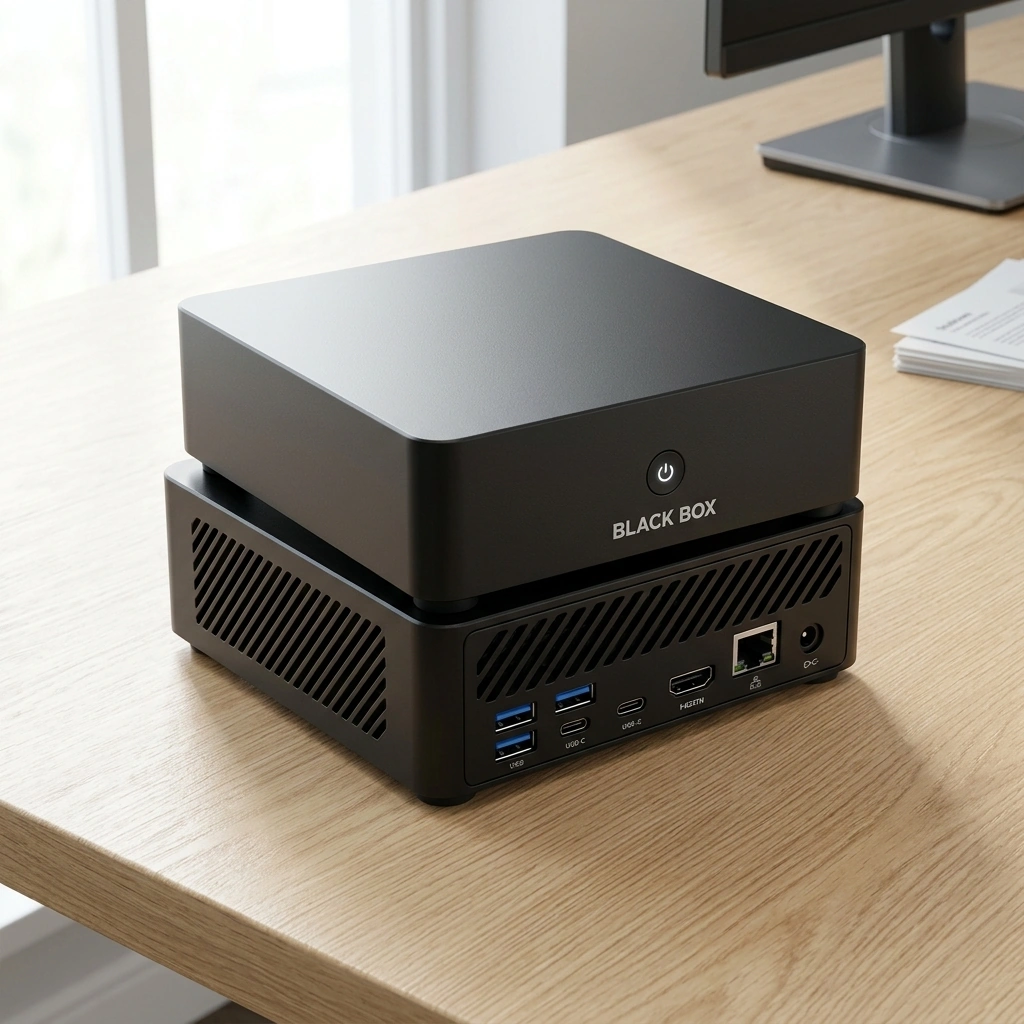

How Much Document Processing Power Do You Really Get from 64GB of Unified Memory?
Unified memory architecture allows the CPU and GPU to share a single high-bandwidth memory pool, which is critical for running large language models locally. For document processing, 64GB of unified memory provides sufficient headroom to load substantial context windows and complex vector databases simultaneously. This configuration enables Black Box to handle dense, multi-page documents without offloading data to slower external storage or cloud servers.
The Architecture of Unified Memory in AI Appliances
Traditional computing separates system RAM from graphics memory, creating bottlenecks when transferring data between the processor and the GPU. Unified memory eliminates this barrier by allowing both components to access the same physical memory chips. This design is particularly effective for AI workloads because neural networks require massive data throughput during inference. When a document is processed, the text is tokenized and converted into numerical vectors. These vectors must be moved rapidly between the CPU for preprocessing and the GPU for matrix multiplication. A 64GB pool ensures that these transfers happen at high speed without waiting for data to be copied across separate memory buses.
The AMD Ryzen AI 9 HX 370 processor, featured in the Black Box appliance, utilizes this unified memory approach. It pairs high-core-count CPU performance with integrated Radeon 890M graphics. This combination allows the system to manage the entire document processing pipeline on a single die. The result is lower latency and more predictable performance compared to discrete GPU setups that rely on limited VRAM. For users working with long-form content, this architectural choice means the system can maintain high throughput even when the document size approaches the limits of smaller memory configurations.
Context Windows and Vector Database Capacity
Document processing in modern AI systems relies heavily on Retrieval-Augmented Generation, or RAG. RAG is a technique that retrieves relevant information from a knowledge base before generating a response. To make RAG effective, the system must store embeddings of the document chunks in a vector database. These embeddings are numerical representations of text meaning. A 64GB memory pool provides ample space to store embeddings for thousands of pages. This capacity allows the system to keep the entire context of a large project in memory, rather than constantly reading and writing to the SSD.
Consider a legal brief or a technical manual that spans several hundred pages. Converting this content into vector embeddings requires significant memory. With 64GB, the system can hold the embeddings for the entire document, along with the active context window for the language model. This setup reduces the need for complex chunking strategies that might lose context. It also allows for more sophisticated retrieval methods, such as hybrid search, which combines keyword matching with semantic similarity. The ability to keep this data in fast, unified memory directly impacts the speed and accuracy of the generated summaries and answers.
Model Size and Inference Speed Trade-offs
The amount of memory available determines which language models can run efficiently. Large language models require significant memory to store their weights. A model with 7 billion parameters typically requires around 14GB of memory when quantized to 4-bit precision. A 13 billion parameter model requires approximately 28GB. With 64GB of unified memory, users can run larger, more capable models while still leaving room for the vector database and operating system. This flexibility is a key advantage of high-memory configurations.
Practical Implications for Local Document Workflows
Another practical implication is offline capability. Cloud-based AI services require a stable internet connection to function. Local appliances like Black Box can process documents without any network connectivity. This is useful in remote locations or in environments where internet access is restricted. The 64GB memory pool ensures that the system can handle complex document tasks even when offline. Users can prepare reports, analyze contracts, or generate summaries without worrying about bandwidth limitations or service outages. This reliability makes local AI a practical tool for professional workflows.

Key Takeaways
- Unified memory allows the CPU and GPU to share a single high-bandwidth pool, which is essential for efficient AI inference.
- 64GB of memory provides sufficient capacity for large context windows and vector databases used in RAG systems.
- Local processing with high memory capacity enables offline document analysis, enhancing data control and reliability.
- The AMD Ryzen AI 9 HX 370 processor in Black Box leverages unified memory to deliver consistent performance for document tasks.
- Users can dynamically switch between smaller and larger models without reloading, thanks to the ample memory headroom.
Frequently Asked Questions
What is unified memory in the context of AI appliances?
Unified memory is a memory architecture where the CPU and GPU share the same physical memory pool. This design allows for high-speed data transfer between the processor and graphics unit, which is critical for running large language models locally.
How much memory is needed for RAG document processing?
The memory requirement for RAG depends on the size of the document and the language model used. A 64GB configuration provides ample space for storing vector embeddings of large documents while running a capable language model.
Can Black Box process documents offline?
Yes, Black Box is designed to process documents locally. This means it can perform document analysis, summarization, and retrieval without an internet connection, provided the necessary models are loaded into memory.
What is the benefit of 64GB over 32GB for document tasks?
64GB of memory allows for larger context windows and the ability to run more complex language models. It also provides more space for vector databases, enabling more accurate retrieval for large document sets.
Does local processing guarantee data privacy?
Local processing keeps data on the device by default, which enhances data control. However, privacy depends on the user's configuration and permissions. Optional cloud services may transmit data with user authorization.