Private ChatGPT Alternative: Running AI Locally on Your Own Hardware
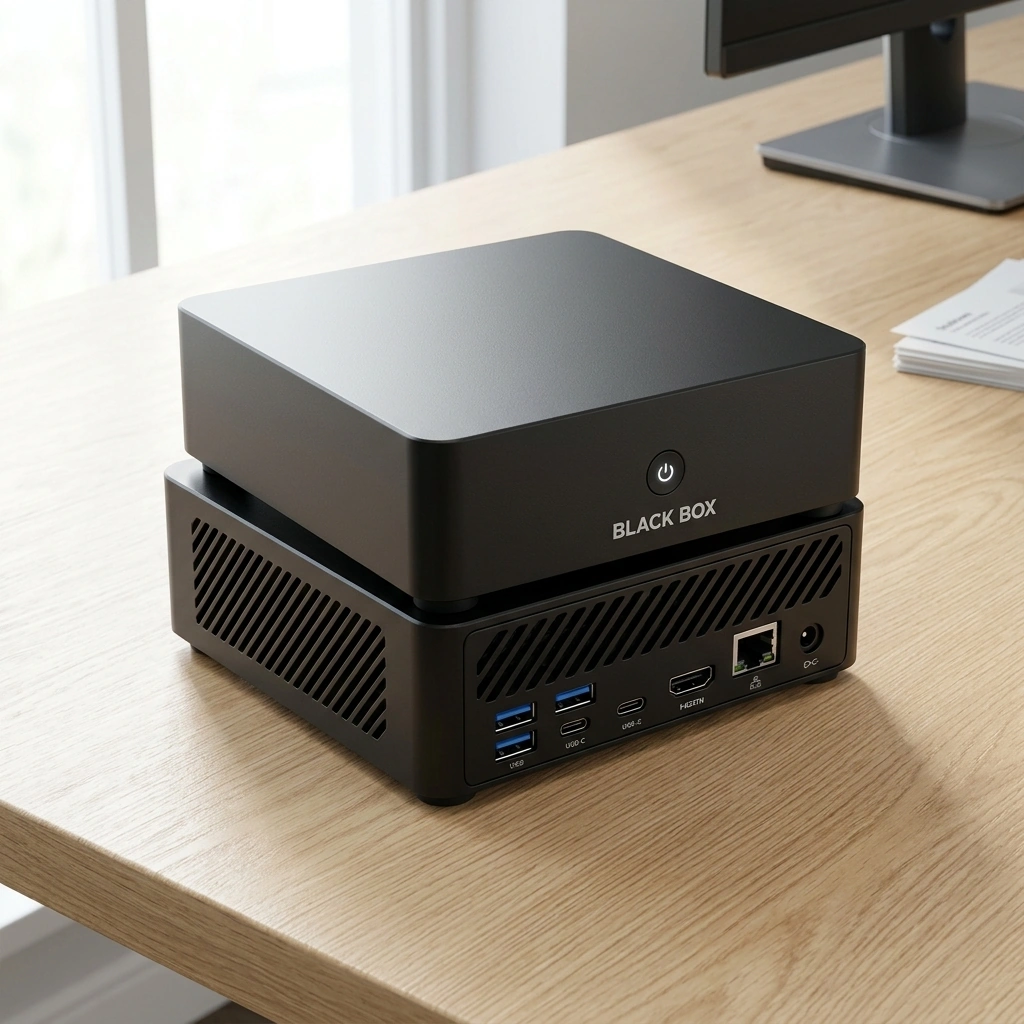
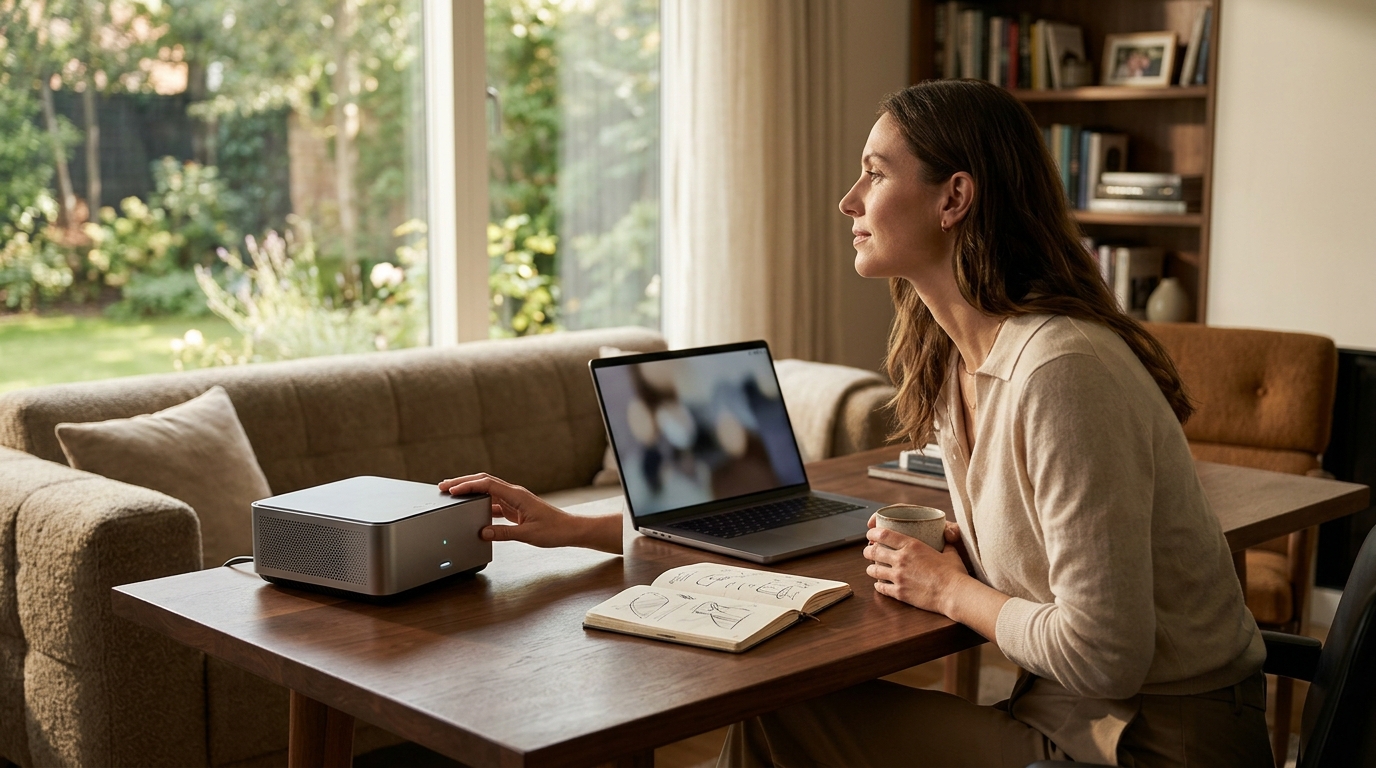
Yes, a private ChatGPT alternative that runs entirely on your own hardware exists. Black Box Desktop AI is a compact appliance designed to process supported AI tasks locally, keeping your data on the device. This guide explains how local AI appliances work, the hardware requirements for running large language models, and how to evaluate privacy controls in a personal AI system.
Offline First Interfaces
The Role of Local Processing
Local processing is the execution of AI inference on the device where the data resides. By keeping the computation local, the system reduces latency for frequent queries. It also eliminates the need to transmit sensitive documents to third-party servers. For individuals and small businesses, this means greater control over what is processed and how. The interface remains responsive even if the internet connection drops, provided the model is loaded in memory. For additional details, review the .
Document Assistance and Agents
Hardware Requirements for Local AI
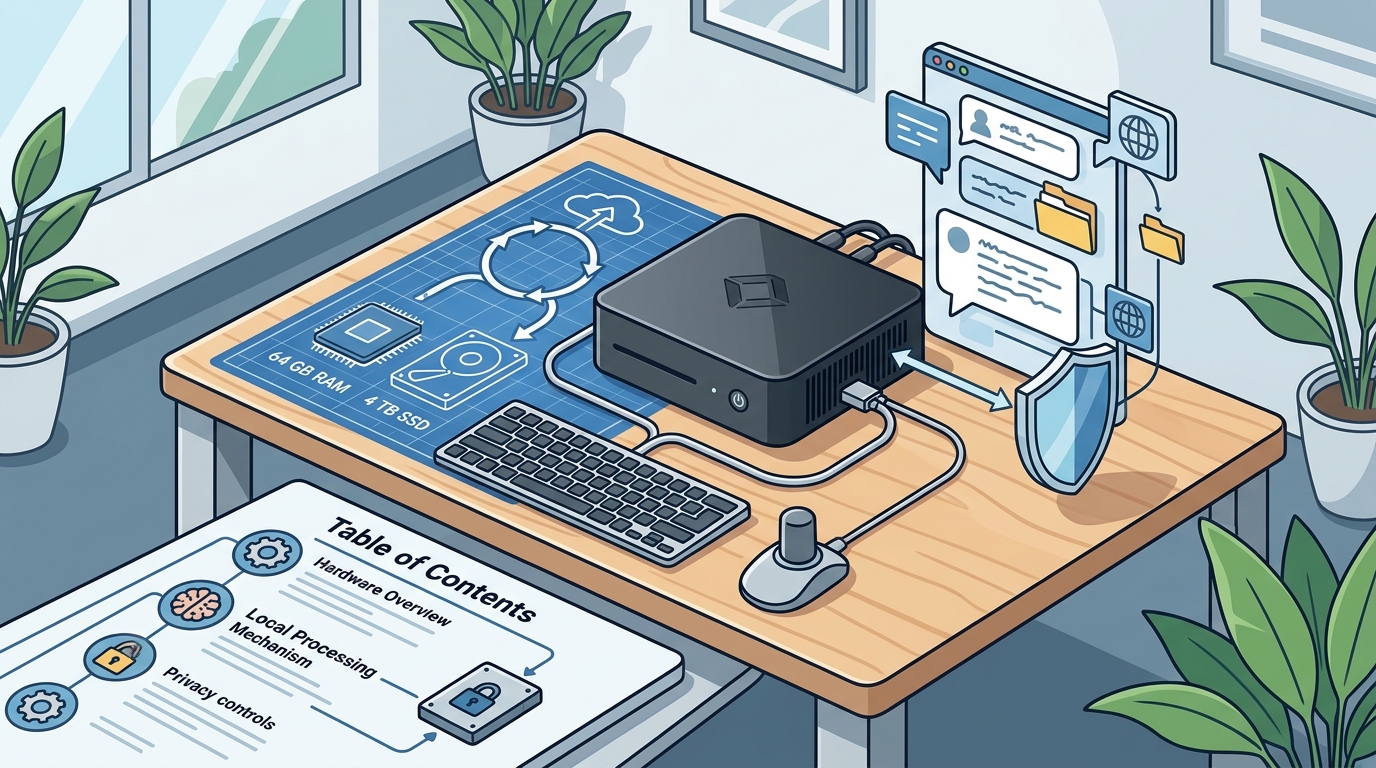
Running large language models locally requires significant computational resources. The two primary bottlenecks are memory (RAM) and storage speed. A model with billions of parameters needs enough RAM to load its weights into memory. If the RAM is insufficient, the system must swap data to the SSD, which drastically slows down response times. Black Box is equipped with 64 GB of RAM and a 4 TB SSD to accommodate larger models. This hardware configuration allows for the execution of complex tasks without relying on cloud GPUs. For additional details, review the Customer Experience.
Processor and Graphics
Storage and Model Management
Storage is critical for housing multiple AI models. A 4 TB SSD provides ample space for storing various model weights and user data. Fast storage speeds ensure that models can be loaded quickly when needed. Overwatch OS manages these models, allowing users to switch between different AI personalities or capabilities. This flexibility means you can have a model optimized for coding and another for creative writing, all stored locally on the same device. For additional details, review the Frequently Asked Questions.
Privacy Controls and Data Ownership
Privacy controls are the mechanisms that allow users to dictate how their data is handled. In a local AI appliance, the primary control is the physical location of the data. Since the data stays on the device, it is not transmitted to external servers by default. Black Box emphasizes local processing by default, with owner-controlled permissions. This means the user decides what the AI can access and what it can do. Optional cloud services and integrations may send data outside the device, but only with explicit authorization. For additional details, review the About.
Memory and Permissions
Open Source and Transparency
Overwatch OS is planned to be open-source software. Open source is a development model where the source code is made available for use, modification, and distribution. This transparency allows users and developers to inspect how the system handles data. It also enables the community to contribute to the software's development. While the open-source release is planned, it has not yet been published. This commitment to transparency aligns with the privacy-first ethos of the Black Box appliance.
Local AI Appliance Comparison
| Device | Processor | RAM | Storage | Key Feature |
|---|---|---|---|---|
| Black Box Desktop AI | AMD Ryzen AI 9 HX 370 | 64 GB | 4 TB SSD | Overwatch OS with local agents |
| Olares One | Varies by model | Varies by model | Varies by model | Privacy-focused OS |
| Beelink OpenClaw | Varies by model | Varies by model | Varies by model | Compact form factor |
| Minisforum N5 MAX AI NAS | Varies by model | Varies by model | Varies by model | NAS integration |
When evaluating these devices, consider the specific AI models you intend to run. Larger models require more RAM and faster storage. The choice of operating system also matters, as it determines the level of control and transparency you have over the AI's behavior.
Key Takeaways
- Local AI appliances like Black Box allow you to run ChatGPT alternatives entirely on your own hardware.
- 64 GB of RAM is a critical specification for running large language models locally without significant slowdowns.
- Offline first interfaces ensure that your data does not need to leave the device for core AI tasks.
- Owner-controlled permissions allow you to dictate what the AI can access and do with your data.
- Overwatch OS is planned to be open-source, promoting transparency and community development.
- Local processing reduces latency and enhances privacy, but it does not guarantee complete security or regulatory compliance.
- Optional cloud services may transmit data outside the device, but only with your explicit authorization.
Frequently Asked Questions
Does Black Box require an internet connection to function?
No, Black Box is designed to function offline for supported AI tasks. The core AI processing happens locally on the device. An internet connection is only required for optional cloud services or updates, and only if you authorize them.
What kind of AI models can I run on Black Box?
Black Box is equipped with 64 GB of RAM, which allows it to run a variety of large language models. The specific models you can run depend on their size and the available storage. Overwatch OS manages these models, allowing you to switch between them as needed.
Is my data safe when using Black Box?
Can I customize the AI agents on Black Box?
Is Overwatch OS open source?
Overwatch OS is planned to be open-source software. This means the source code will be made available for use and modification. However, the open-source release has not yet been published. Check the official Black Box website for the latest updates on this release. Learn more: https black boxai dough.