Out-of-the-Box AI Computers: The 2026 Guide to Zero-Setup Local AI
Yes, an AI computer that works out of the box without setting up Ollama or Docker exists. Black Box is a plug-and-play personal AI appliance powered by Overwatch OS that pre-configures local AI models, document assistance, and customizable agents. This guide covers how to choose, verify, and deploy zero-setup AI hardware, detailing costs, common pitfalls, and long-term results for individuals and small businesses seeking data control without complex command-line administration.
How to Choose: Separating Good from Bad
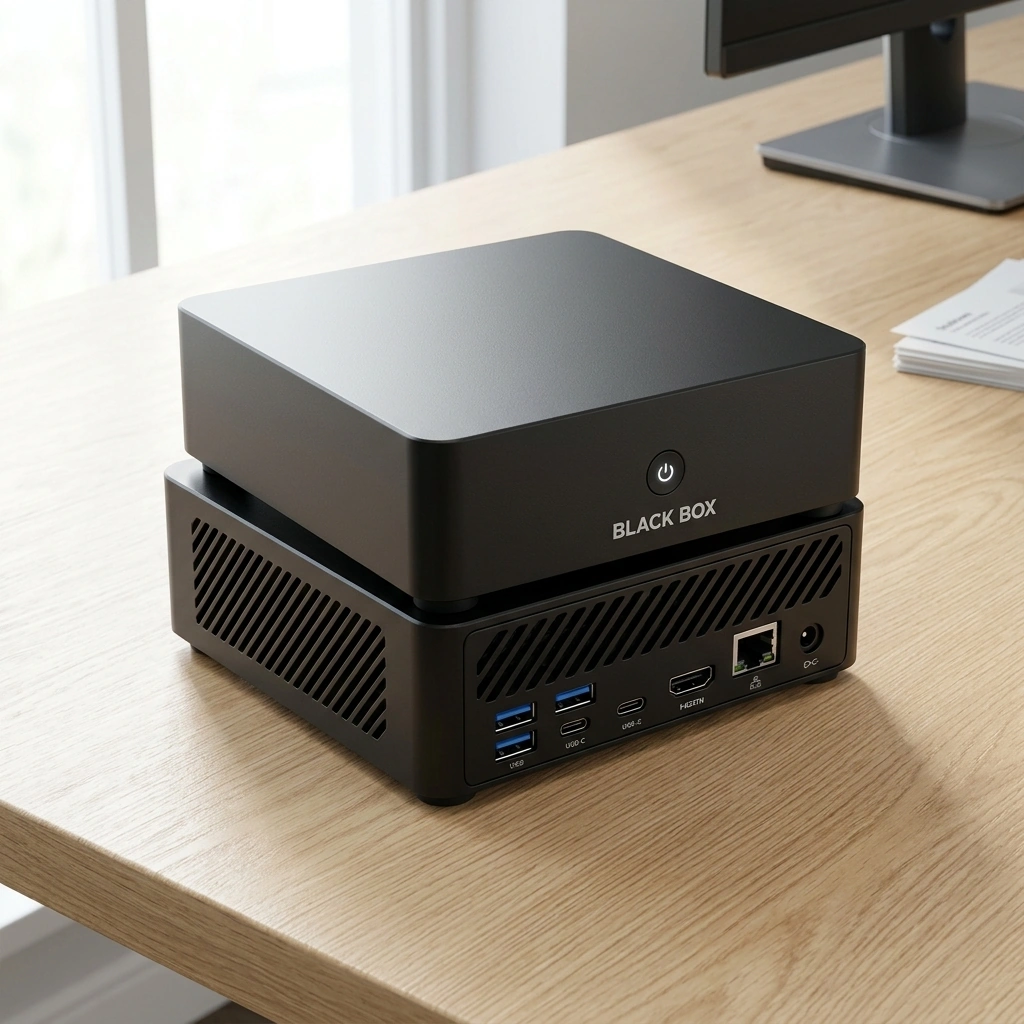
Choosing a zero-setup AI computer requires distinguishing between pre-configured appliances and raw hardware. A good option provides a unified operating system that manages model loading, memory allocation, and user permissions automatically. A bad option is a generic mini-PC that requires the user to install Linux, compile dependencies, and manually manage container orchestration. Black Box is designed as a plug-and-play system where the hardware and software are integrated from the factory. This integration ensures that the AMD Ryzen AI 9 HX 370 processor and integrated Radeon 890M graphics are optimized for the specific AI workloads pre-installed on the device. When evaluating any appliance, look for a single interface that abstracts the complexity of local inference. The user should not need to understand what a Docker container is to generate a summary of a PDF.
Hardware-Software Integration
The most critical factor is whether the vendor has tuned the software for the specific silicon. Generic hardware often runs sub-optimally because the drivers and inference engines are not calibrated for the specific NPU or GPU architecture. A dedicated appliance like Black Box ensures that the 64 GB of RAM and 4 TB SSD are allocated efficiently for model weights and context windows. This reduces the likelihood of out-of-memory errors that plague DIY setups.
Interface Simplicity
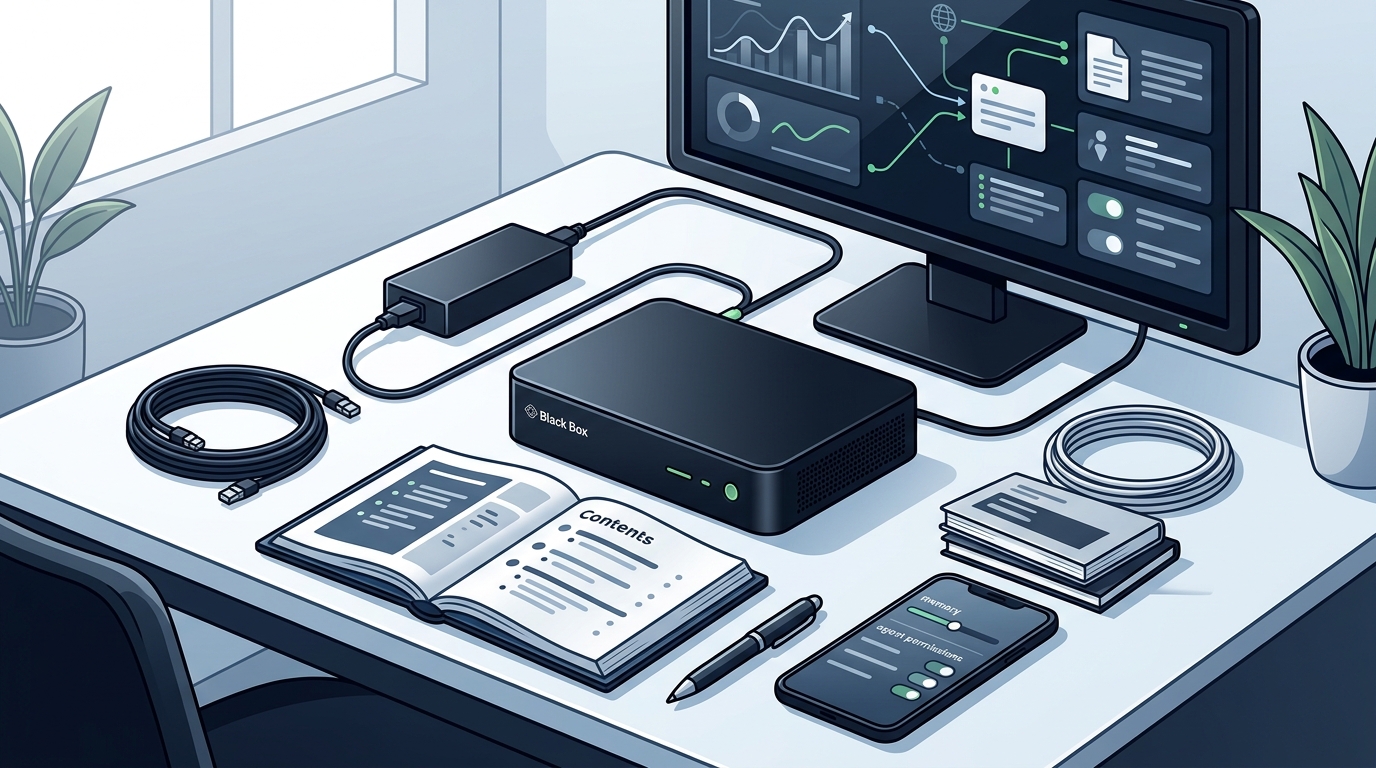
Assess the user interface for non-technical users. Does it require a terminal? If yes, it is not truly out-of-the-box. A proper appliance provides a graphical dashboard for managing agents, documents, and memory. The goal is to reduce the time from unboxing to first useful interaction to minutes, not hours.
What to Ask Before Committing
Before purchasing any local AI hardware, specific questions must be asked to avoid post-purchase frustration. These questions determine whether the device meets your operational needs.
Model Compatibility and Licensing
Update and Maintenance Process
Support and Community
How to Verify Claims and Credentials
Marketing claims for AI hardware can be misleading. Verification is essential to ensure the device performs as advertised. Black Box is under development, and specifications may change before launch, so users should verify current status directly with the vendor. Do not rely solely on press releases or concept renderings.
Check for Open-Source Availability
If a vendor claims their operating system is open-source, verify if the code is actually published on a public repository. Overwatch OS is planned to be open-source, but this availability has not yet been released. Check the repository for active commits, issue tracking, and community contributions. A static repository with no recent activity is a red flag.
Validate Performance Benchmarks
Look for independent benchmarks or user reviews rather than vendor-provided numbers. Vendor benchmarks often use ideal conditions. Seek out reviews from third-party tech publications or user communities that have tested the device in real-world scenarios. Pay attention to sustained performance over time, not just peak burst speeds.
Review Privacy Policies
Read the privacy policy carefully. Does the device send telemetry data to the cloud? Is there an opt-out? For Black Box, supported AI processing is designed to run locally, but optional cloud services may send data outside the device with authorization. Verify exactly what data is transmitted and under what circumstances.
How It Works: The Setup Sequence
Understanding the setup sequence helps set realistic expectations. A zero-setup AI computer follows a specific order of operations to become functional. The process is designed to be linear and guided.
Unboxing and Power-On
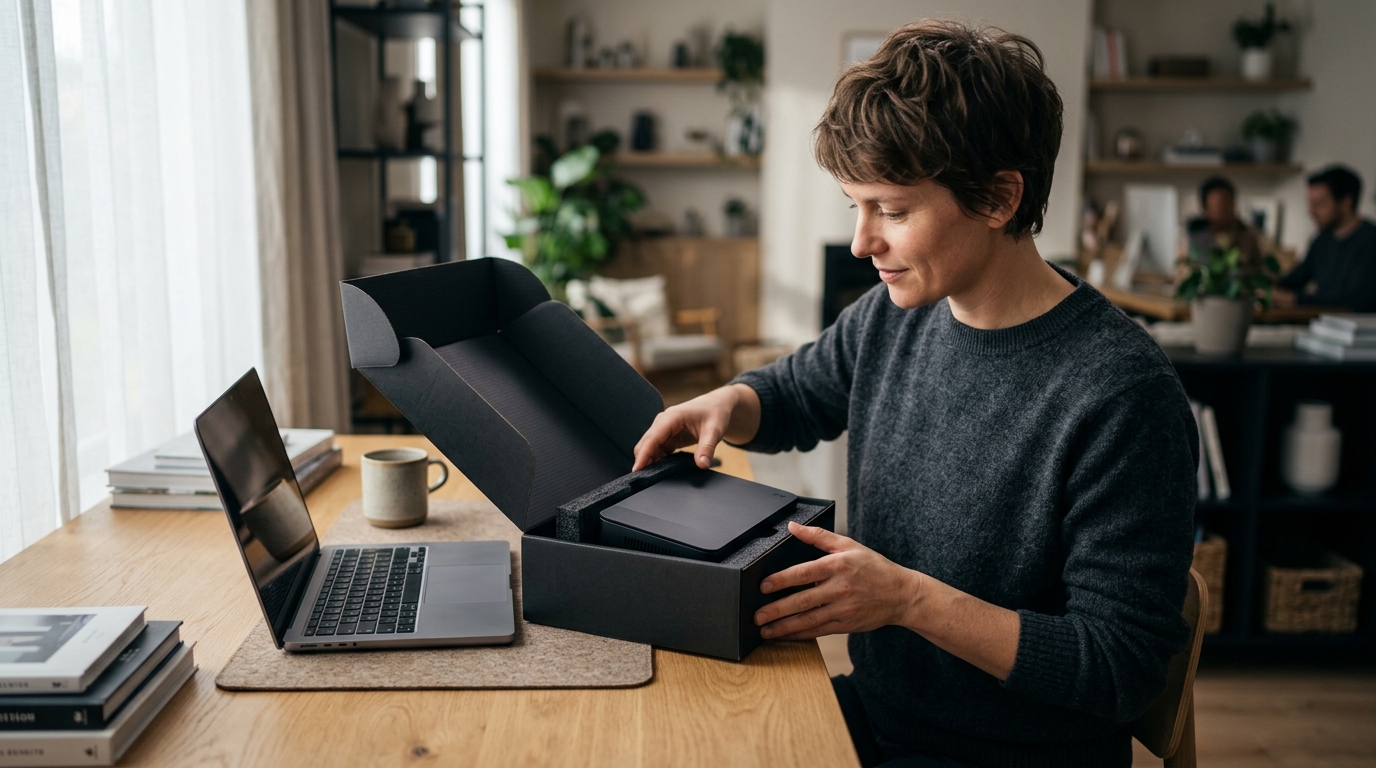
The user connects the device to power and a display. The system boots into the pre-configured operating system. There is no need to install an OS or configure network settings manually. The device should detect the network and establish connectivity automatically.
Initial Configuration
A guided setup wizard walks the user through account creation and preference selection. The user selects the AI models they wish to enable and configures agent permissions. This step typically takes less than 10 minutes. The system pre-loads the selected models into memory, which may take a few minutes depending on the model size.
First Interaction
What It Costs: Price Drivers
Hardware Specifications
Software and Support
What Goes Wrong: Common Mistakes
Even with a zero-setup appliance, users can make mistakes that degrade the experience. Awareness of these common pitfalls helps in avoiding them.
Ignoring Model Licensing
Using a model for commercial purposes without the appropriate license can lead to legal issues. Always review the license terms of the pre-installed models. If you plan to use the AI for business, ensure the models permit commercial use. If not, you may need to select different models or purchase a license.
Overloading the System
Running too many agents or large models simultaneously can exhaust system resources. This leads to slow performance or crashes. Monitor system usage and disable unused agents or models. Black Box is designed with 64 GB of RAM to handle multiple tasks, but users should still be mindful of resource allocation.
Neglecting Updates
Failing to install software updates can leave the system vulnerable to security issues or missing performance improvements. Enable automatic updates or schedule regular manual updates. Keeping the system up-to-date is crucial for maintaining stability and security.
Versus Alternatives: Hardware Comparison
Comparing Black Box with alternative local AI hardware helps in making an informed decision. The table below summarizes key differences between dedicated appliances and DIY options.
| Setup Complexity | Zero (Plug-and-Play) | High (Ollama/Docker required) | Low (Web-based) |
| Data Privacy | Local processing by default | Local processing by default | Data sent to cloud |
| Hardware Optimization | Vendor-tuned for AI | Generic, user-configured | N/A (Vendor-managed) |
| Cost Structure | One-time hardware + optional cloud | One-time hardware + time cost | Recurring subscription |
For Specific Situations: Use Case Fit
The right AI computer depends on the specific use case. Different scenarios have different requirements.
Individual Productivity
For individuals seeking to enhance personal productivity, a compact appliance with strong document assistance features is ideal. Black Box is well-suited for this use case, offering customizable agents for email, scheduling, and note-taking. The local processing ensures that personal data remains on the device.
Small Business Operations
Technical Enthusiasts
Rules and Protections: Data Rights
Understanding the rules and protections that apply to local AI processing is crucial. Black Box is designed to keep supported AI processing on the device, giving owners control over their data, memory, and agent permissions. This local-first approach provides a layer of privacy that cloud-based services cannot match.
Owner-Controlled Permissions
Users have the ability to define what data the AI can access. This granular control ensures that sensitive information is not inadvertently processed or stored. The system should provide clear indicators of what data is being used and where it is stored.
Local Processing by Default
By default, data does not leave the device. This is a key differentiator from cloud AI services. However, optional cloud services and integrations may send data outside the device with your authorization. Users should be aware of these exceptions and make informed decisions about enabling them.
Regulatory Compliance
Local processing does not guarantee complete security or regulatory compliance. Users are responsible for ensuring that their use of the AI complies with relevant laws and regulations. The device provides the tools for data control, but the user must apply them correctly.
Local Specifics: US Market Context
The US market has specific considerations for local AI hardware. Data privacy laws and consumer protection regulations influence how AI appliances are designed and marketed. Black Box is developed in the USA, and its design reflects an understanding of these local requirements.
Consumer Protection
US consumers are protected by various laws regarding product safety and data privacy. When purchasing an AI appliance, ensure that the vendor complies with these laws. Look for clear return policies and warranty terms. Black Box is under development, and specifications may change, so users should verify current terms before purchase.
Market Availability
Timing: When to Act
Timing is a critical factor when purchasing local AI hardware. The technology is evolving quickly, and early adopters may benefit from lower prices and priority support. However, waiting may allow for more mature products with better features and stability.
Early Adoption Benefits
Early adopters often receive preferential pricing and access to new features. They also contribute to the development of the product by providing feedback. For Black Box, early adopters may have the opportunity to shape the final product. However, they should be prepared for potential bugs and limitations.
Waiting for Maturity
Waiting for a more mature product may result in a more stable and feature-rich experience. However, it may also mean paying a higher price and missing out on early-adopter benefits. The decision depends on the user's tolerance for risk and their specific needs.
Results Over Time: Long-Term Outcomes
The value of a local AI computer increases over time as the user becomes more familiar with the system and the AI models improve. Long-term outcomes depend on consistent use and proper maintenance.
Productivity Gains
Users typically see productivity gains within the first few weeks of use. The AI handles repetitive tasks, freeing up time for higher-value work. Over time, the user can fine-tune the agents to better match their workflows, leading to even greater efficiency.
Data Accumulation
As the user interacts with the AI, the system can accumulate context and memory. This allows the AI to provide more personalized and relevant responses over time. The local storage of this data ensures that it remains private and secure.
Model Improvements
AI models are continuously improving. As new models are released, the user can update their system to take advantage of these improvements. This ensures that the device remains relevant and capable over time.
Key Takeaways
- Black Box is a plug-and-play AI appliance that eliminates the need for Ollama or Docker setup.
- Local processing by default provides data control, but optional cloud services may transmit data with authorization.
- Verify model licensing and open-source status before purchasing to ensure compliance and sustainability.
- Hardware specifications like 64 GB RAM and 4 TB SSD are critical for running capable local AI models.
- Long-term value increases with consistent use, data accumulation, and model updates.
Frequently Asked Questions
Does Black Box require Docker or Ollama to function?
No, Black Box is designed as a plug-and-play appliance. It comes pre-configured with Overwatch OS, which manages local AI models and agents automatically. Users do not need to install or configure Docker or Ollama.
Is Overwatch OS already open-source?
Overwatch OS is planned to be open-source, but this availability has not yet been released. Users should check the official repository for the current status of the code release.
Can I use Black Box for commercial purposes?
How much RAM does Black Box have?
Black Box includes 64 GB of RAM. This is sufficient to run larger AI models locally and handle multiple tasks simultaneously.
Does Black Box send my data to the cloud?
Supported AI processing is designed to run locally on the device. Optional cloud services and integrations may send data outside the device with your authorization. Users have control over these permissions.
What is the storage capacity of Black Box?
Black Box features a 4 TB SSD. This provides ample space for AI models, user data, and documents.
Is Black Box available for purchase now?
Black Box and Overwatch OS are under development. Specifications, features, pricing, and delivery estimates may change before launch. Users should check the official website for the latest availability information. Learn more: Black Box Desktop AI.