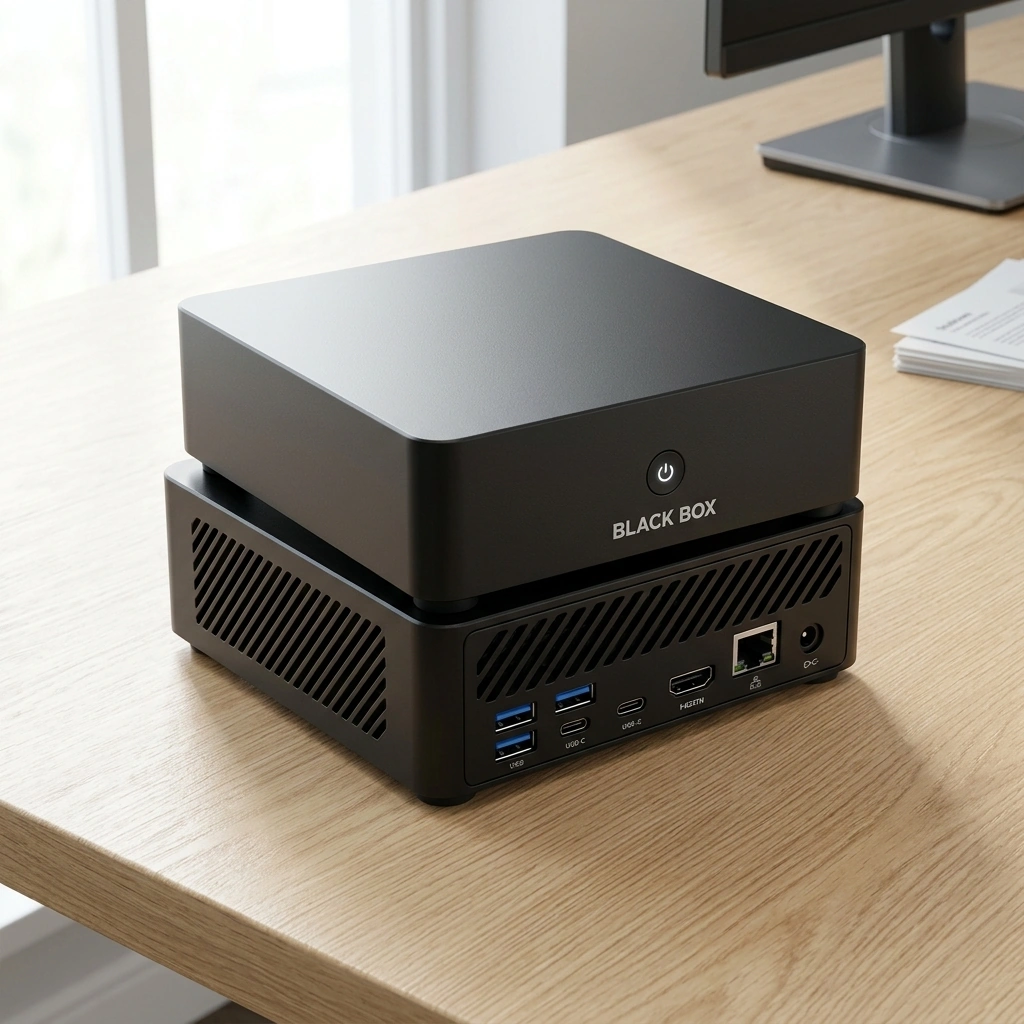

Running a private AI system locally requires a machine with substantial memory, fast storage, and a processor with strong neural processing capabilities. For most users, a system with at least 32 GB of RAM and a modern CPU with integrated AI acceleration is the minimum threshold for smooth performance. Black Box is designed to meet these demands out of the box, providing a dedicated environment for local model execution without the complexity of building a custom PC.
Memory Requirements for Large Language Models
Memory is the most critical bottleneck when running large language models (LLMs) on local hardware. A large language model is a statistical program that predicts the next word in a sequence, and its size is measured in billions of parameters. To run a model effectively, the entire model file must reside in your system's random access memory (RAM) or video memory (VRAM). If the model is too large for your available memory, the system will crash or run at unusable speeds. according to A Comprehensive Overview
Processor and Neural Processing Unit Power
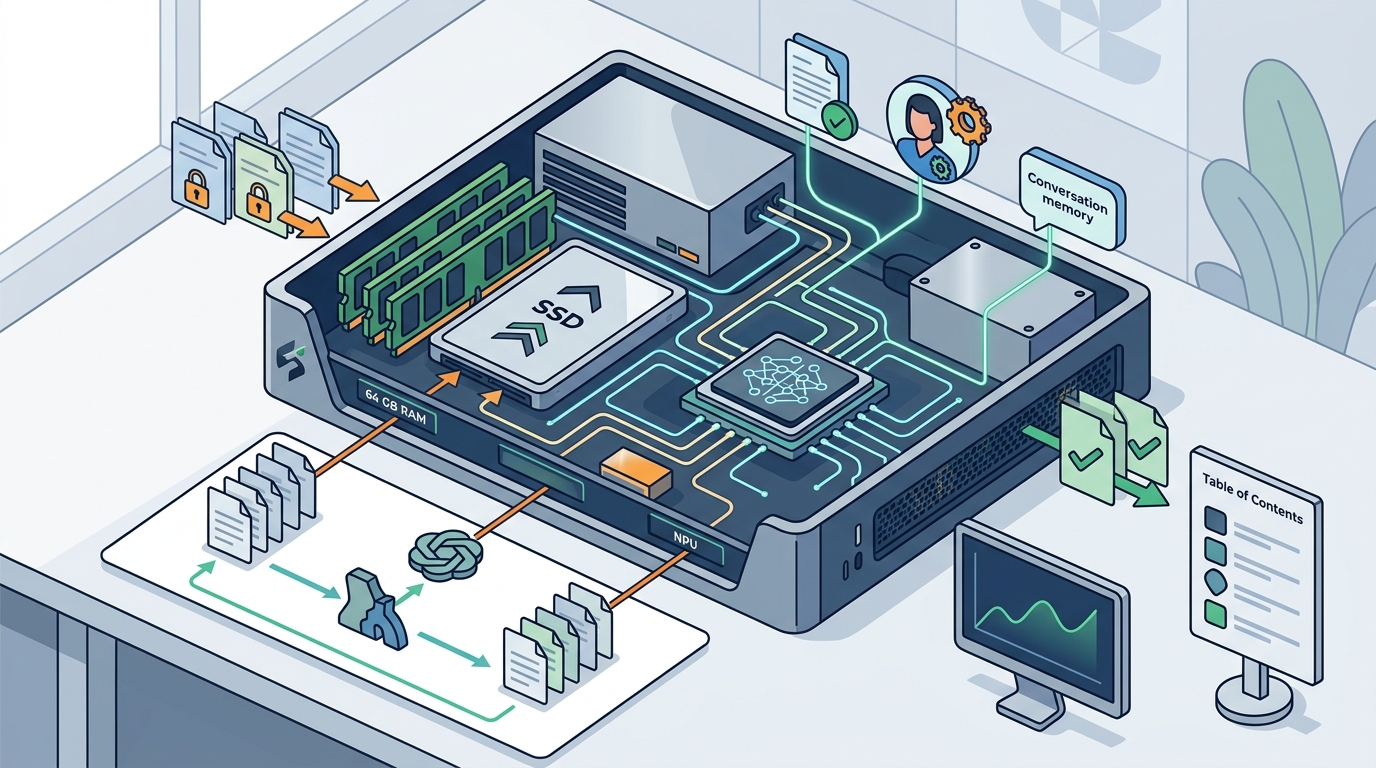
The central processing unit (CPU) handles the general logic of the operating system and the AI inference engine. A neural processing unit (NPU) is a specialized chip designed specifically to accelerate AI workloads, such as matrix multiplications required for language generation. Modern processors, such as the AMD Ryzen AI 9 HX 370, integrate high-performance NPUs that can handle token generation significantly faster than traditional CPU cores alone.
Storage Speed and Capacity Considerations
Capacity is equally important if you plan to store multiple models or large datasets for document assistance. A 4 TB SSD, as found in the Black Box system, provides ample space for various model sizes, vector databases for memory, and your personal files. This large capacity allows users to switch between different specialized models, such as one for coding and another for creative writing, without needing to delete and re-download files frequently.
Operating System and Software Environment
Overwatch OS is a custom operating system designed to optimize the hardware for local AI processing. It is planned to be open-source, allowing for transparency and community-driven improvements. By using a dedicated OS like Overwatch OS, the Black Box eliminates the bloat found in general-purpose operating systems. This focus ensures that the 64 GB of RAM and the high-speed SSD are utilized efficiently for AI inference rather than being consumed by unnecessary background services.
Key Takeaways
- Memory is the primary constraint; aim for 32 GB to 64 GB of RAM to run capable local models.
- A dedicated NPU or high-performance integrated graphics significantly accelerates token generation.
- High-speed NVMe SSDs are required to load large model files quickly into memory.
- A streamlined operating system reduces resource contention and improves AI responsiveness.
- Dedicated appliances like Black Box simplify the setup process by pre-configuring the optimal hardware and software stack.
Frequently Asked Questions
How much RAM do I need to run a 70-billion parameter model?
You generally need at least 48 GB to 64 GB of RAM to run a 70-billion parameter model with quantization. This is why high-memory systems are preferred for advanced local AI tasks.
Can I run local AI on a standard laptop?
Yes, but performance will be limited by the laptop's memory and thermal constraints. Dedicated appliances are often more efficient for sustained workloads.
What is the role of an NPU in local AI?
An NPU is a specialized processor that accelerates AI-specific calculations, allowing for faster inference and lower power usage compared to using the main CPU.
Do I need a separate graphics card for local AI?
Not necessarily. Modern integrated graphics with strong AI acceleration can handle many local models, though a discrete GPU can provide additional performance for very large models.
Is Overwatch OS already available for download?
Overwatch OS is planned to be open-source, but it is currently under development. The Black Box appliance arrives with the OS pre-configured.
Conclusion
Building a local AI system requires careful attention to memory, processing power, and storage speed. While it is possible to assemble these components manually, a dedicated appliance simplifies the process by ensuring compatibility and optimization. Black Box provides a ready-to-use solution with 64 GB of RAM and a high-performance processor, allowing you to focus on your work rather than hardware configuration. Explore the Black Box to see how a dedicated local AI appliance can fit into your workflow.